
How to wipe hard drive completely: Safe, proven methods for total data erasure
Think hitting 'delete' or formatting a drive is all it takes to wipe sensitive information for good? That's a common—and dangerously costly—misconception. The hard truth is that the data is still there, easily recoverable, and leaving a massive security hole for any business handling confidential files.
The Hidden Dangers of Hitting Delete
When you delete a file or even format a hard drive, you're not actually destroying the information. All you're really doing is removing the pointers that tell the operating system where to find it.
Think of it like ripping the table of contents out of a book. The chapters are all still there; you’ve just made it a little harder to find them. The actual data, the ones and zeros, remain on the drive's platters until they get written over by new data.
This creates a serious risk. For IT managers and compliance officers, this isn't just a technical detail—it's a direct threat to your organization's security and reputation. Without a verifiable process to wipe a hard drive completely, you're leaving the door wide open.
The Real-World Consequences
Failing to properly sanitize drives can have severe fallout. A single retired server or an old employee laptop sold on the secondary market could contain a goldmine of sensitive information.
The potential damage includes:
- Data Breaches: Recovered customer lists, financial records, or intellectual property can be stolen and exploited.
- Brand Damage: News of a data leak can permanently shatter customer trust and your company's reputation.
- Regulatory Penalties: Not complying with regulations like HIPAA or GDPR can lead to crippling fines.
This isn't just a hypothetical problem. A surprising number of IT professionals still get this wrong. A 2023 Blancco survey revealed that a staggering 56% of IT experts mistakenly believe that a quick or full disk format permanently erases data. This myth persists despite clear guidance from standards like NIST 800-88, which spells out proper sanitization methods.
"The greatest risk is in what you don't know. A drive you assumed was clean could be the source of your next major security incident. Verifiable destruction isn't optional—it's essential."
This visual from Wikipedia perfectly illustrates the concept of data remanence, showing how magnetic traces of old data can hang around even after being overwritten.
As the image shows, even a single overwrite might not be enough to get rid of every trace of the original information. That’s why choosing the right destruction method is so critical.
Why Professional Destruction is Non-Negotiable
Given these risks, professional and verifiable data destruction is a non-negotiable part of modern IT asset management. Whether you're decommissioning a data center, refreshing employee laptops, or retiring old medical equipment, you absolutely need an auditable process.
It’s the only way to guarantee that sensitive data is gone forever and that your organization stays compliant and secure. For anyone managing large-scale IT retirements, understanding your options for secure data destruction is the first step toward building a risk-free disposition strategy.
Choosing the Right Data Destruction Method
Knowing how to completely wipe a hard drive isn’t about defaulting to the most extreme option. It's about matching the right technique to the situation. A laptop being passed to a new employee has very different security needs than a decommissioned server that held sensitive customer data.
The decision really comes down to two things: the sensitivity of the data on the drive and the drive's future. Will it be reused, resold, or is it heading for the scrap heap? Your answer guides the entire process.
This flowchart shows the basic thinking. Just dragging a file to the trash bin isn't enough—that data is often easily recoverable.
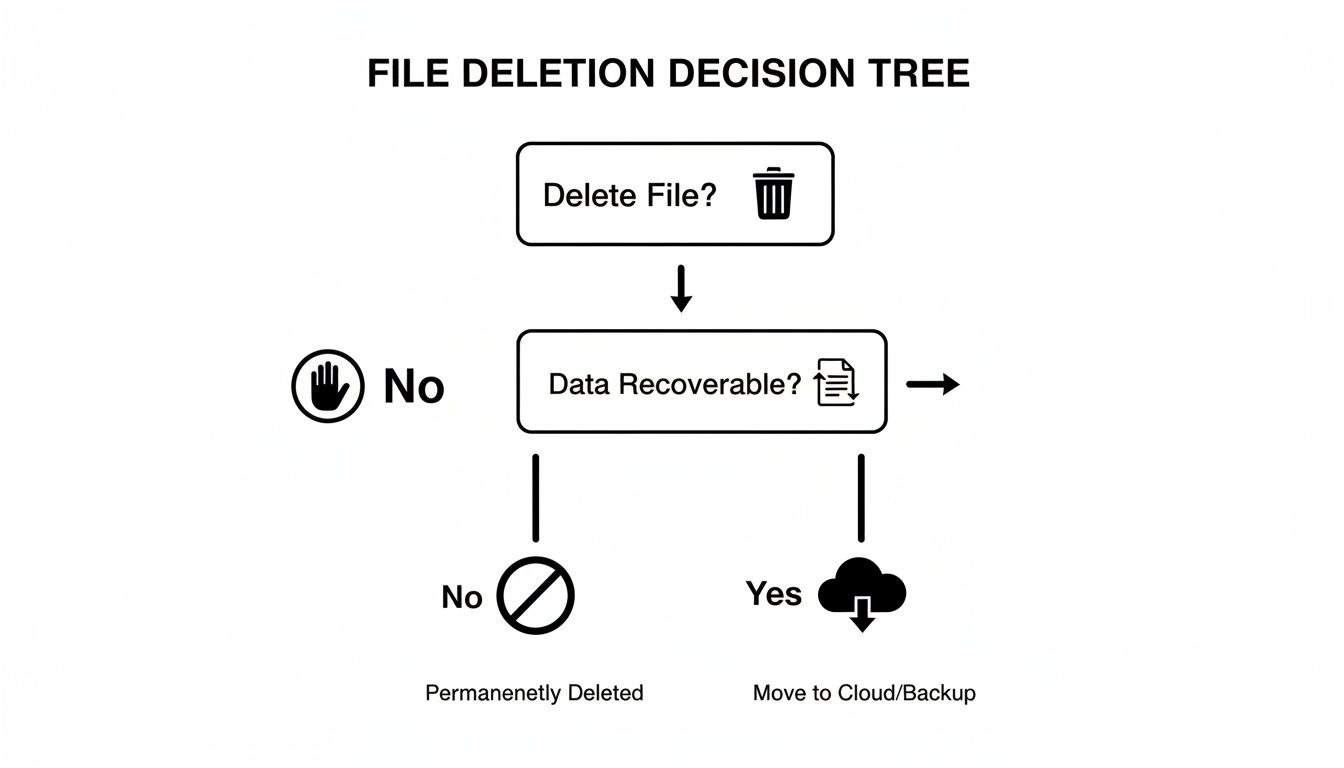
True data security requires a much more deliberate and robust approach than a simple delete command.
When Software Wiping Is the Smart Choice
Software-based wiping is your go-to method for any drive you plan to put back into service. Specialized programs overwrite every single sector with random data, effectively burying the original information.
This is perfect for prepping laptops for new hires, sanitizing servers before moving them to a less secure test environment, or clearing drives before donating or reselling them. You preserve the hardware's value while ensuring the old data is gone for good.
Just remember that software wiping is highly effective for traditional magnetic hard drives (HDDs), but solid-state drives (SSDs) are a different animal. For SSDs, you need to use built-in firmware commands like ATA Secure Erase that are designed for their unique architecture.
Stepping Up to Degaussing
When a drive held highly sensitive information and will never be used again, degaussing is the answer. This process hits the drive with a powerful magnetic field, instantly and permanently scrambling the magnetic data stored on an HDD's platters. It also fries the drive's firmware, turning it into a paperweight.
Think of a financial institution retiring a storage array that held confidential client records. Degaussing is a fast, complete way to make that data unrecoverable. It's an NSA-approved technique for magnetic media, so it comes with a high level of assurance.
But degaussing has its limits:
- It only works on magnetic media like HDDs and tapes.
- It does absolutely nothing to SSDs, which use flash memory.
- The drive is rendered completely useless afterward.
The Finality of Physical Destruction
For end-of-life equipment or in highly regulated fields, physical destruction is the only acceptable answer. It's the ultimate form of data security because there's no drive left to recover data from. Methods include crushing, pulverizing, and, most commonly, shredding.
Industrial shredders can turn a hard drive into metal fragments smaller than 2mm, making forensic recovery impossible. Research shows why this is so critical. In one study of 200 used drives, only 10% had been securely wiped, yet 67% still contained personally identifiable information (PII) and 11% held corporate secrets.
This method is non-negotiable for organizations bound by compliance standards like HIPAA or DoD regulations. A hospital, for instance, must guarantee patient data is irretrievable when disposing of old computers. On-site shredding provides a verifiable, auditable process that leaves no room for doubt. Once the data is gone, understanding how to dispose of old computers safely is the crucial next step.
Comparison of Hard Drive Wiping Methods
To help you decide, here’s a quick comparison of the main data destruction methods. Each has its place, and choosing the right one depends entirely on your security requirements and plans for the hardware.
| Method | Effectiveness | Drive Reusability | Best For | Compliance Level |
|---|---|---|---|---|
| Software Wiping | High (when done correctly) | Yes | Reusing, reselling, or donating drives with low to moderate sensitivity. | NIST 800-88 Clear/Purge |
| Degaussing | Extremely High (for magnetic media) | No | Destroying sensitive data on HDDs and tapes without physical shredding. | NIST 800-88 Purge |
| Physical Destruction | Absolute (data is completely unrecoverable) | No | End-of-life drives, highly sensitive data, and meeting strict compliance. | NIST 800-88 Destroy |
Ultimately, the goal is to align your method with the data's value and your organization's risk tolerance. For everyday asset redeployment, software wiping is efficient. For classified data or strict regulatory needs, only degaussing or physical destruction will do.
Mastering Software-Based Data Wiping
For any IT manager looking to reuse hard drives, software-based wiping is the go-to method. It’s the perfect balance between securing data and preserving the asset itself. This process overwrites every bit of existing data with meaningless patterns, effectively sanitizing the drive while leaving the hardware perfectly functional for its next life.
Unlike physical destruction, software wiping gives you the confidence to redeploy, donate, or even resell old equipment. But it’s not a one-size-fits-all solution. The right tool and technique depend entirely on what you're working with—a traditional spinning hard disk drive (HDD) or a modern solid-state drive (SSD).

Wiping Traditional HDDs The Right Way
When it comes to older magnetic HDDs, data overwriting tools are incredibly effective. A classic, free utility for this is DBAN (Darik's Boot and Nuke). You just boot the system from a USB stick running DBAN, and it gets to work writing over every single sector, making the original data impossible to recover through normal means.
The main decision you’ll face is choosing the overwrite pattern and the number of passes.
- Single-Pass Wipe: This writes a simple pattern of zeros across the entire drive. According to the NIST 800-88 guidelines, a single, verified overwrite is all you need to sanitize most modern HDDs.
- Multi-Pass Methods: Older standards like DoD 5220.22-M call for multiple passes (often three or seven) with different data patterns. While this was once the gold standard, it’s now widely considered overkill for modern drives and dramatically increases the time it takes to wipe a disk.
For most internal asset redeployment, a single-pass wipe is both secure and efficient. We typically only see multi-pass methods used for older drives or to meet specific compliance rules that haven't caught up with current technology.
The Unique Challenge of Wiping SSDs
Here's a critical point: traditional overwriting tools like DBAN are not just ineffective on SSDs—they’re actively harmful. The very technologies that make SSDs fast and durable, like wear-leveling and over-provisioning, also make them impossible to wipe with conventional software.
Wear-leveling algorithms are constantly shifting data around to distribute writes evenly across memory cells, which is great for the drive's lifespan. Over-provisioning sets aside extra, inaccessible blocks of memory to help with this process. The result? An overwriting tool has no way of knowing if it’s actually hitting every single location where your sensitive data might be hiding.
The only reliable way to completely wipe an SSD is to use its own built-in, firmware-level commands. Attempting to use HDD-style overwriting software on an SSD not only fails to erase all data but also causes unnecessary wear on the memory cells.
For SSDs, you have to use commands that tell the drive's internal controller to reset all its cells. This is the only way to get a complete and verified sanitization. You can find more details about the specific tools needed by checking out our guide on the best hard drive wiping software.
Using Native Firmware Commands for SSDs
Fortunately, modern drives come equipped with powerful, built-in sanitization features. These are the industry-standard methods for ensuring no data remnants are left behind on solid-state media.
The two most important commands you need to know are:
- ATA Secure Erase: This is the foundational command for SSDs. When you execute it, the drive controller applies a voltage spike to all available NAND cells, resetting them to a clean, factory-default state. It’s incredibly fast and thorough.
- Crypto Erase: If the SSD uses full-disk encryption by default (which many do), this is by far the fastest and most secure option. Instead of wiping the cells, this command simply destroys the internal encryption key. Without that key, the mountains of scrambled data on the drive become permanently inaccessible and are no different than random noise.
These commands are the right way—and frankly, the only way—to ensure you know how to wipe a hard drive completely when dealing with solid-state technology. They work with the drive's architecture, not against it, giving you a fast, secure, and verifiable result that keeps the hardware in perfect shape for whatever comes next.
When You Need Absolute Data Destruction
Software-based wiping is a great option when you plan to reuse a hard drive. But some situations call for a level of finality that software just can't deliver.
When data is so sensitive that any chance of recovery poses an unacceptable risk—or when a drive is simply at the end of its life—you need absolute, irreversible data destruction. This is where methods that render the hardware completely unusable come into play. They don't just erase the data; they eliminate the very medium it was stored on.
For organizations in finance, healthcare, or government, these methods aren't just an option—they're often a compliance requirement.
Degaussing: The Magnetic Reset Button
Degaussing is a powerful and highly effective method for destroying data on magnetic media like traditional HDDs and backup tapes. It works by exposing the drive to an incredibly strong magnetic field, scrambling the data into an unreadable mess.
Think of the data on your hard drive's platters as millions of tiny magnetic needles, all pointing in specific directions to represent ones and zeros. A degausser generates a massive magnetic pulse that instantly neutralizes their magnetic charge. This process doesn't just erase the data; it also destroys the drive's firmware—the low-level programming that controls its basic operations.
The result? A drive that is not only wiped clean but also rendered completely inoperable. It's effectively a brick. However, it's crucial to remember that degaussing has absolutely no effect on solid-state drives (SSDs), which store data electronically in flash memory cells.
Physical Destruction: The Ultimate Guarantee
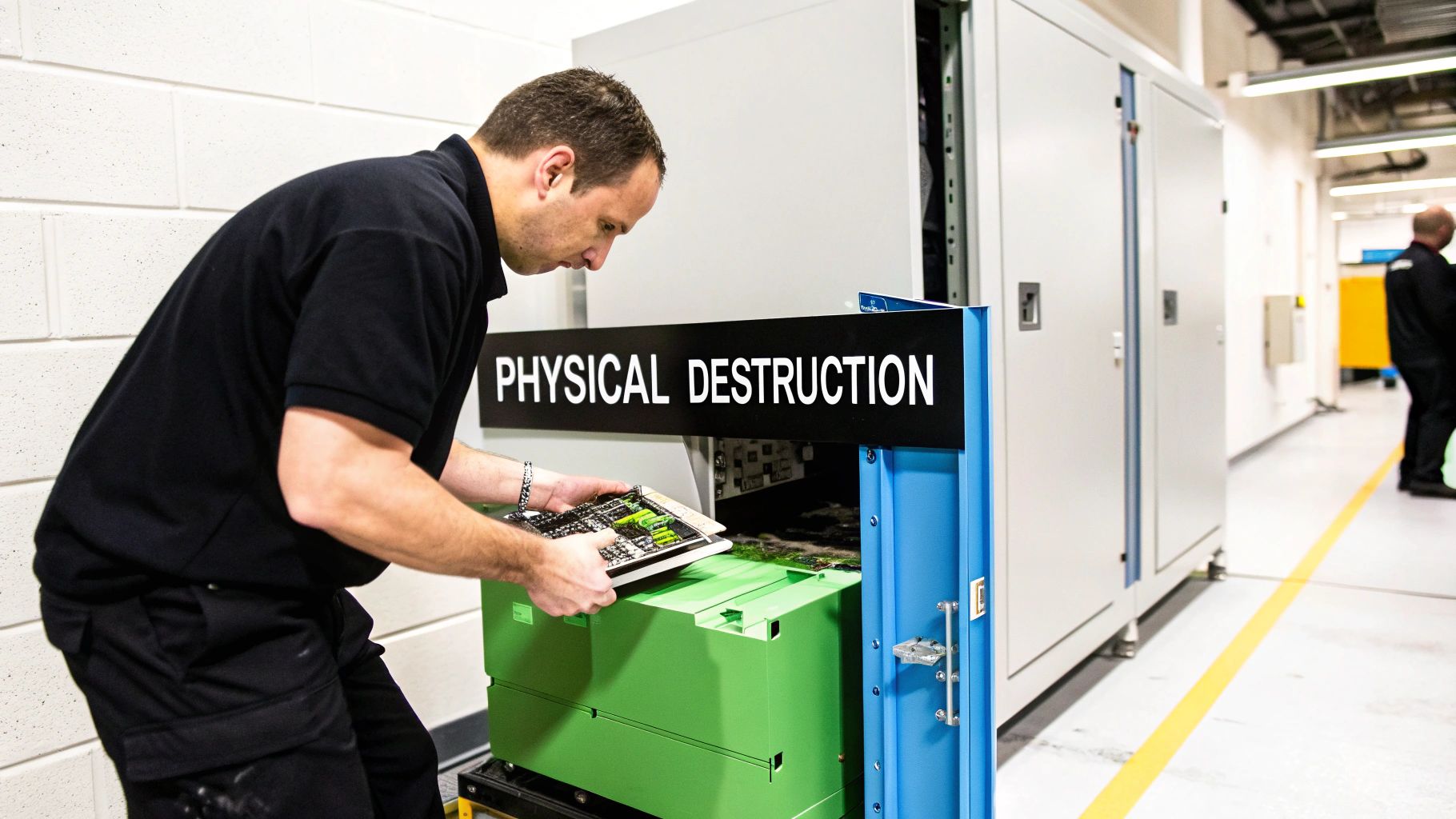
When you need undeniable proof that data is gone forever, nothing beats physical destruction. This approach moves beyond erasing data to completely annihilating the physical device it was stored on. The most common and effective method is industrial shredding.
A specialized hard drive shredder doesn't just bend or break the drive; it pulverizes it into thousands of tiny, unrecognizable fragments. Imagine a financial institution decommissioning old servers that processed millions of transactions. They can't afford even a remote possibility of data recovery. On-site shredding provides a verifiable, witnessable process that leaves no room for doubt.
The key to effective shredding is the final particle size.
- Standard Shredding: Reduces drives to fragments roughly the size of a quarter.
- High-Security Shredding: Pulverizes drives into particles smaller than 2mm, meeting stringent government and military standards.
The smaller the particle, the more impossible it becomes for even the most advanced forensic labs to reconstruct the platters and recover anything.
For organizations governed by strict regulations like HIPAA, ensuring the complete destruction of patient data is not just a best practice—it's the law. Physical destruction provides an auditable, compliant solution that software wiping alone cannot match.
Making the Right Choice for Your Industry
The decision between degaussing and physical destruction often comes down to compliance, risk, and logistics.
A healthcare provider, for example, must guarantee that Protected Health Information (PHI) from retired medical equipment is irretrievably destroyed to comply with HIPAA mandates. In this case, on-site shredding provides a documented chain of custody and a Certificate of Destruction, offering legal proof of compliance.
Similarly, a defense contractor handling classified information will almost certainly rely on physical destruction to meet DoD requirements. For a deeper dive into these options, exploring how to properly shred and recycle old hardware is a crucial next step.
While degaussing is a fast and effective option for bulk magnetic media, shredding offers a universal solution that works on all drive types—HDDs, SSDs, and even hybrid drives. It delivers a level of certainty and a clear audit trail that is essential for managing risk in any high-stakes environment.
Partnering With a Certified ITAD Specialist
Moving from a DIY approach to a professional data destruction service is a major strategic decision, not just an operational one. For IT directors and compliance officers, the buck stops with you. Your responsibility to prevent a data breach doesn't end when a server is unplugged—it ends when you have documented proof that every byte of sensitive information has been completely destroyed.
When the scale of a project grows, so do the risks. This is when the need for a certified partner becomes crystal clear. Engaging a certified IT Asset Disposition (ITAD) specialist is the logical next step for any organization facing a large-scale hardware refresh, a data center decommissioning, or the need to meet strict regulatory standards like NIST or HIPAA. A professional partner transforms a potential liability into a secure, managed, and fully auditable process.
Recognizing the Signals to Go Pro
So, how do you know when it's time to call in the experts? The signs are usually obvious and are almost always tied to scale and risk. Retiring a single laptop might be manageable in-house, but what about 500?
Here are some clear indicators that it's time to partner with an ITAD vendor:
- Large-Scale Projects: You're refreshing hundreds of employee laptops or decommissioning entire racks of servers. The sheer volume makes in-house management impractical and risky.
- Strict Compliance Needs: Your organization operates under regulations like HIPAA, SOX, or GDPR. A DIY approach simply lacks the audit trail needed to prove you did your due diligence.
- Data Center Closures: This is one of the most complex IT projects you can undertake, involving a massive amount of hardware. Every single piece is a potential security risk.
- Lack of Internal Resources: Let’s be honest—your IT team is already stretched thin. They don’t have the specialized tools, time, or training to correctly and verifiably wipe hundreds of drives.
The Value of an Auditable Process
The core benefit of working with a certified ITAD specialist is the chain of custody. This is a documented, unbroken trail that tracks each and every asset from the moment it leaves your facility to its final destruction. It’s your proof that nothing was lost, stolen, or improperly handled along the way.
This documented process is more than just peace of mind; it's a critical defense in the event of an audit or legal challenge. The unfortunate reality is that improper disposal happens far too often. In a landmark 2015 study, researchers bought 200 used hard drives online and found that only 10% had been securely erased. An alarming 67% still contained personally identifiable information (PII), and 11% held sensitive corporate data. You can find more details in the Blancco Technology Group study on AugustaDataStorage.com.
A Certificate of Destruction isn't just a piece of paper. It's legal evidence that your organization fulfilled its duty to protect sensitive data, transferring liability and demonstrating compliance.
A Typical ITAD Engagement
So, what does partnering with a specialist actually look like in practice? The whole process is designed to be systematic and transparent, ensuring you know exactly what is happening at every stage.
A typical engagement follows a clear, structured path:
- Initial Assessment: The ITAD partner works with you to understand the project's scope, inventory the assets, and identify any special requirements, like on-site shredding.
- Secure Logistics: Vetted technicians arrive at your location to securely pack and transport the assets in locked vehicles. Every item is scanned and logged before it ever leaves your sight.
- Secure Processing: At a secure, access-controlled facility, assets are sorted. Items slated for destruction are processed using methods that meet NIST 800-88 standards, such as industrial shredding.
- Reporting and Certification: You receive a detailed inventory report and a legally binding Certificate of Destruction. This document lists the serial numbers of every destroyed asset, confirming the process is complete and auditable.
This structured approach removes all the guesswork and minimizes risk. For IT leaders looking to build a robust asset retirement program, choosing from qualified IT asset disposition companies is a foundational step in protecting your organization's data and its reputation.
Common Questions on Wiping Hard Drives
Even with a solid plan, questions always come up during a data destruction project. Here are some of the most common ones we hear from IT pros, along with practical, no-nonsense answers to help you get the job done right.
Is Drilling Holes in a Hard Drive Secure Enough?
Drilling holes in a hard drive is a popular DIY shortcut, but it gives a false sense of security. While it definitely damages the drive's platters, it almost always leaves large data-bearing surfaces completely intact.
It’s not just a theoretical risk—forensic experts can and do recover data from those surviving platter fragments. For any business with sensitive data or compliance obligations, this method is nowhere near good enough. It fails to meet any professional standard, like those in NIST 800-88, because the destruction is incomplete and can’t be verified.
For genuine security, certified physical destruction through shredding is the only surefire option. It turns the entire drive into tiny, unrecoverable fragments, completely eliminating risk and providing the auditable trail that drilling can't.
What Is the Difference Between Wiping an HDD and an SSD?
Wiping a traditional Hard Disk Drive (HDD) and a modern Solid-State Drive (SSD) are two completely different ballgames. Using the wrong method will either leave your data exposed or needlessly damage the hardware.
HDDs store data on magnetic platters, and data wiping software can reliably overwrite every single sector. For magnetic media, it's a straightforward and effective process.
SSDs, on the other hand, are much more complex. They use features like wear-leveling and over-provisioning that constantly shift data into hidden, inaccessible areas to extend the drive’s lifespan. Standard overwriting software simply can’t reach these hidden spots, leaving fragments of sensitive data behind. The only truly effective software-based method for an SSD is to use its built-in ATA Secure Erase or Crypto Erase command, which tells the drive’s own firmware to reset all memory cells at once.
Why Is a Certificate of Destruction So Important?
A Certificate of Destruction is much more than just a receipt. It’s a formal, legally binding document from your ITAD vendor that serves as definitive proof your devices were destroyed according to industry standards.
Think of this document as a critical piece of your compliance and risk management strategy. It creates an essential audit trail, showing your organization performed its due diligence in protecting sensitive information. For businesses regulated by HIPAA, GDPR, or other standards, this certificate is non-negotiable for proving compliance and limiting liability during a security audit.
The certificate should always include key details for your records:
- A list of device serial numbers that were destroyed.
- The exact destruction method used (e.g., shredding, degaussing).
- The date and location where the destruction took place.
- A formal statement of compliance with relevant standards.
How Does Degaussing Actually Erase Data?
Degaussing is a powerful process that uses brute magnetic force to permanently wipe data from media like HDDs and backup tapes. A degausser generates a massive magnetic pulse—far stronger than the one the drive uses to read and write data.
This intense magnetic field instantly scrambles the magnetic alignment of the particles on the drive's platters. All the carefully organized 1s and 0s that make up your data are randomized into an unreadable jumble. The process is so thorough that it also destroys the drive's low-level firmware, rendering the hardware completely useless afterward.
It's an NSA-approved method for sanitizing top-secret magnetic media, which tells you just how secure it is for HDDs. But remember, degaussing has zero effect on SSDs because they don’t use magnetic storage.
When you need absolute certainty that your data is gone for good, partnering with a certified specialist is the only way to eliminate risk. Dallas Fortworth Computer Recycling offers nationwide, secure IT asset disposition with a documented chain of custody and certified data destruction.