
Broadband Providers Houston: 2026 Top Picks

You notice broadband problems at the worst time. A Zoom call freezes with a client. Overnight backups miss their window. A Houston office opens on Monday and the internet is already the bottleneck. That is usually when people start comparing broadband providers houston options, and it is also when marketing claims stop being useful.
Houston has more provider choice than many major cities, which helps on price and hurts on decision-making. Competing offers can look similar until you check what affects day-to-day use: upload speed, latency, outage history, promo pricing, install timing, and whether service quality changes block by block. In practice, the best provider for a townhouse in the Heights may be a poor fit for a warehouse in Northwest Houston.
Recent Houston Speedtest market data shows the city has enough fixed broadband capacity for heavy home use, hybrid work, and many small business workloads. The limiting factor is usually coverage and plan type, not whether Houston has fast internet at all.
That distinction matters.
A household that streams, games, and works from home can often do well with fiber, cable, or even fixed wireless if the signal is stable and the price is right. An office running VoIP, cloud apps, shared storage, security systems, and remote access needs a stricter standard. For those sites, I look past advertised download numbers and get into support terms, repair windows, static IPs, failover options, and whether the carrier can support fiber optic installation near your Houston site as the business grows.
That is the lens for this guide. It covers providers that make sense for Houston residents who want solid value, and for IT leaders who need to weigh SLAs, dedicated circuits, carrier diversity, and how the WAN ties back to data center planning and IT asset management.
1. AT&T Fiber
A Houston CPA firm closes books on the last day of the month. Staff are on video calls, QuickBooks is syncing, cameras are uploading offsite footage, and someone in the back office is pushing a large archive to SharePoint. That is the kind of environment where AT&T Fiber usually makes sense, because upload capacity and latency matter as much as download speed.
For many Houston addresses, AT&T Fiber is the first service to check. It is often the best fit for homes with heavy remote work and for businesses that rely on cloud apps, VoIP, file sync, VPN access, and offsite backup. The practical advantage is symmetry. Fiber does not bog down as quickly when several users are sending data at once.
Where AT&T Fiber fits best
AT&T Fiber tends to work well for a few specific situations:
- Remote work households: Video meetings stay steadier when two or three people are online at the same time.
- Homes with gamers and creators: Low latency helps with gaming, while faster uploads shorten the wait for cloud backup and media transfers.
- Small business offices: Sites using Microsoft 365, VoIP phones, shared drives, security cameras, and VPN access usually benefit from fiber's more consistent upstream performance.
- IT-managed locations: Teams comparing WAN options with broader small business telecom provider planning in Houston should put AT&T on the shortlist early.
- Sites preparing for expansion: If connectivity planning overlaps with fiber optic installation support near your site, AT&T is often one of the cleaner starting points.
One rule saves a lot of bad buying decisions. If your users upload large files, rely on cloud storage, or stay on video calls for hours, do not compare AT&T Fiber to cable on download speed alone.
Coverage is good by Houston standards, but it is not universal. Serviceability can change from one side of a street to the other, and commercial availability can differ from residential availability in the same building. I see this a lot in older multi-tenant properties, retail centers, and office suites where the website suggests availability but the actual install requires a construction review or landlord approval.
Trade-offs for business and IT leaders
AT&T is more than a residential fiber option. For business buyers, the discussion starts after the consumer speed tier. You need to ask whether the address qualifies for business fiber, dedicated internet, Ethernet, static IPs, and defined repair terms. Those details matter far more than a headline speed number if the site supports customer traffic, warehouse operations, clinic systems, or remote staff.
There are trade-offs. AT&T can be a strong primary circuit, but the right design for a branch or production site may still include carrier diversity, LTE or 5G failover, or a second wired provider. IT leaders tying broadband decisions to data center connectivity, firewall design, and asset lifecycle planning should treat AT&T as one part of the WAN plan, not the whole plan.
Pricing also needs a closer look than the promo page suggests. Residential plans can be attractive for home offices and very small teams, but business accounts may be the better choice once you need static IP space, cleaner support paths, or contract-backed service expectations. The right answer depends on how expensive downtime is for that location.
2. Xfinity
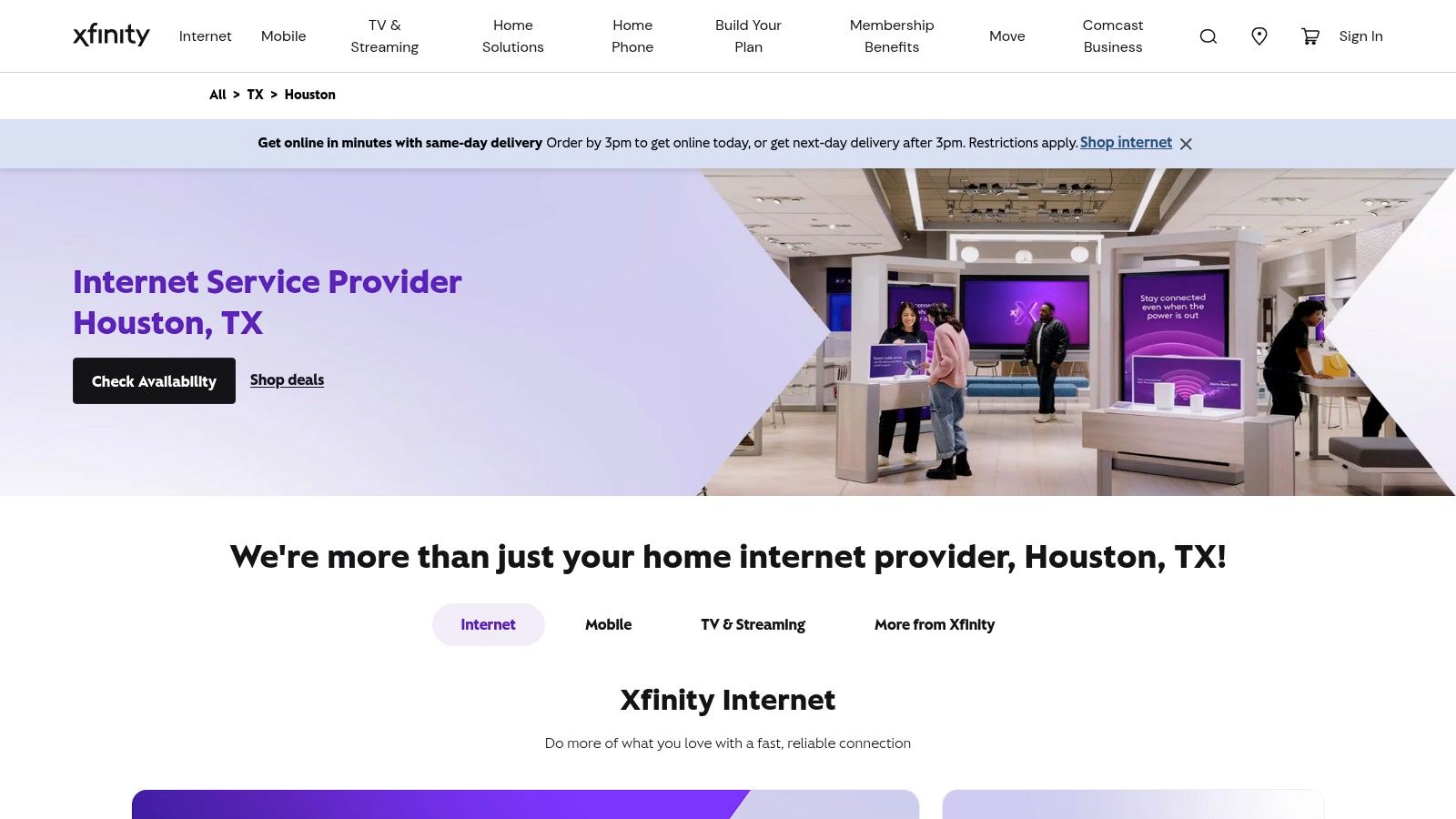
Your building is open, staff are online, and fiber is not available at the address. In Houston, that is often where Xfinity enters the conversation.
Xfinity stays near the top of the list because its cable footprint reaches a large share of Houston homes, apartments, and commercial properties. For residents, that usually means faster install options and fewer dead ends during an address search. For businesses, it often means you can get a working primary line in place without waiting on construction, landlord approvals, or a long serviceability review.
That reach is the selling point. It is also the trade-off.
Where Xfinity makes sense
Xfinity fits well when download speed, broad availability, and speed to install matter more than symmetrical performance. I recommend it most often for apartments, retail shops, home offices, temporary locations, and smaller teams that rely on standard SaaS apps more than large outbound transfers.
Its practical strengths are straightforward:
- Broad Houston coverage: A strong fallback when fiber is not available at the address.
- Good fit for download-heavy use: Streaming, browsing, Microsoft 365, POS systems, and general office traffic usually run fine.
- Faster path to service: Self-install and common building familiarity can reduce deployment friction.
- Useful for mixed home and small business needs: It shows up often in evaluations of small business telecom providers in Houston because many Houston sites still need cable to fill coverage gaps.
For a household, that may be enough. For a two-to-ten person office, it can also be enough if the site is not pushing large files all day or depending on heavy real-time cloud traffic.
The limit is upload capacity
This is the part buyers gloss over. Xfinity can feel fast right up until the site starts sending as much data as it receives.
A remote worker backing up design files, a medical office syncing records, a security setup pushing multiple camera feeds, or a small company living in shared cloud storage will notice the difference. Video meetings can still work well, but the margin gets thinner once several users are uploading at the same time. Latency and consistency also matter more once voice systems, VPN sessions, and remote desktops are part of the day-to-day workload.
That makes Xfinity a practical access option, not an automatic best option.
What business and IT leaders should check
For IT managers, the essential question is not whether Xfinity is available. It is whether the service tier matches the business risk at that location.
A branch office may be fine on business cable with static IPs and wireless failover. A warehouse with cloud ERP, VoIP, and shipping systems may need a second carrier or a different primary circuit. A site tied to uptime commitments, customer-facing transactions, or security monitoring should also compare Comcast Business broadband against dedicated internet, Ethernet, repair commitments, and carrier-diverse design.
Residential and business planning intersect at this point. A Houston household may choose Xfinity because it is fast to install and good enough for streaming and remote work. An IT leader may choose Comcast at another address for an entirely different reason, such as fast turn-up for a secondary circuit, backup WAN path, or temporary connectivity during a migration. Those are valid uses, but they are not the same buying decision.
Pricing and support details matter
Promo pricing can look attractive. Real monthly cost depends on equipment, unlimited data options, contract terms, support expectations, and whether the account is residential or business class.
That distinction matters more than people expect. Residential service can be a reasonable fit for home offices and very small teams. Business service starts to make more sense once you need static IPs, cleaner support handling, or service terms that align better with business operations.
Xfinity is often the practical answer in Houston. It is rarely the perfect answer. Choose it for coverage, install speed, and solid everyday performance, then plan around its upstream and reliability limits if the location supports revenue, operations, or critical IT systems.
3. Astound Broadband formerly enTouch in Houston
A common Houston scenario looks like this. A family wants lower monthly cost than the big incumbents, while a small company in the same mixed-use area needs stable internet for VoIP, cloud apps, and a few remote workers. Astound can fit both cases, but only if the address sits inside one of its stronger former enTouch service pockets.
Coverage decides this provider more than branding does.
Astound works best as an address-by-address option, especially in apartments, condos, townhome communities, and selected subdivisions where its local network is already established. In those pockets, it can be a practical alternative to larger providers because pricing is often easier to follow and installation can be less of a project than a business-grade circuit.
For Houston residents, the appeal is simple. If the plan at your address offers enough speed for streaming, video calls, gaming, and work-from-home traffic, Astound can be a cost-conscious choice without a lot of extras you may not need.
For small offices, the buying decision is different. A five-person office handling cloud productivity, web meetings, and standard file sharing may do well on Astound if service history in that building is solid. An office with on-site servers, security systems, POS traffic, or uptime commitments should treat Astound more carefully. In that case, review it as one access option inside a broader connectivity plan that may also include failover, LTE backup, or another wired carrier. If you are comparing local carrier availability by building, this directory of Houston-area telecom and connectivity providers can help frame the shortlist.
What should you verify before signing?
- Exact service type at your address: Ask whether the connection is cable, fiber, or a mix of both in the last mile.
- Real installed plan details: Confirm upload speeds, equipment fees, contract terms, and any promotional pricing limits.
- Building-specific performance: A good experience in one MDU does not guarantee the same result a few blocks away.
- Support path: Residential-style support may be acceptable for a home office. It is a different standard from business support with defined response expectations.
The enterprise angle matters here too. Astound may be suitable for a branch office, temporary site, or secondary WAN path, but IT leaders should not confuse that with dedicated internet access. If a Houston location connects to a data center, supports customer transactions, or depends on strict recovery targets, ask direct questions about SLA terms, static IP options, repair commitments, and carrier diversity into the building. Those details matter more than headline download speed.
Astound is worth checking when your address is in the right pocket of Houston. Outside those pockets, the comparison usually ends fast because availability is the first filter. Inside them, Astound can be a sensible choice for households and smaller businesses that want predictable service without paying for enterprise features they will not use.
4. Ezee Fiber
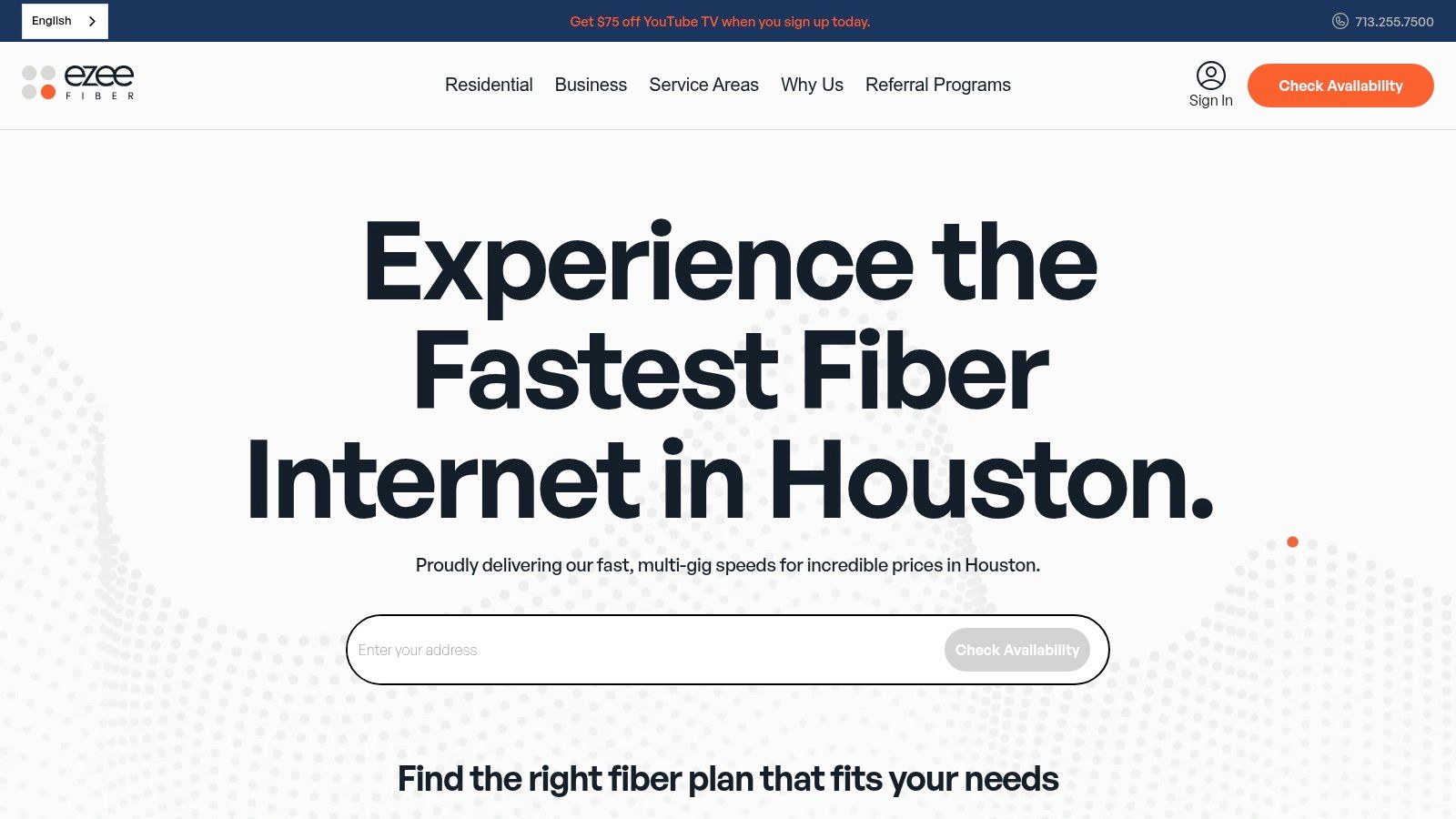
Your household is on back-to-back video calls, cloud backups are running, and a small office in the same building needs clean upload capacity for shared files. That is the kind of address where Ezee Fiber stands out, provided it is available.
Ezee is one of Houston's newer fiber entrants, and its pitch is clear. Symmetrical fiber service, multi-gig tiers in some service areas, and a simpler buying experience than many legacy providers. For residents, that can mean better upload performance for remote work, content creation, gaming, and smart-home traffic. For small businesses, it can remove the bottleneck that shows up when several users are pushing data to Microsoft 365, Google Workspace, offsite backups, or hosted systems at the same time.
The appeal is practical:
- Symmetrical speeds: Useful when upload performance matters as much as download speed.
- Multi-gig potential: A fit for power users, creative professionals, and offices moving large files.
- Cleaner plan positioning: Easier to compare than offers loaded with temporary promos and vague equipment terms.
- Good crossover value: Strong option for mixed-use sites where a residence, home office, or small business needs fiber behavior without stepping into full enterprise pricing.
- Houston provider research: If you are comparing local telecom companies serving Houston organizations, Ezee belongs on the list anywhere the network is already built.
Availability is still the main filter.
A newer fiber provider can look excellent on paper and still miss your block, your building, or your suite. That matters for both residents and IT managers. Home users should confirm the actual install timeline and whether the quoted speed tier is available at the address. Business buyers should go further and ask about static IPs, business support paths, failover planning, and whether the building has enough carrier options to avoid a single point of failure.
Ezee is strongest as a high-performance broadband choice, not an automatic replacement for enterprise connectivity. If a Houston office depends on uptime commitments, data center access, VoIP quality, or recovery targets tied to customer operations, ask whether the service is best used as primary broadband, secondary WAN, or a stopgap before dedicated internet access is installed. Those trade-offs matter more than headline speed.
Houston fiber expansion has improved Ezee's odds in growth areas and newer developments, and Ookla's local market summary reflects ongoing multi-gig competition in the city at Speedtest's Houston performance overview. For buyers, the takeaway is simple. Check the address first, then judge the plan.
If Ezee is live at your location, it deserves a serious review for both residential and small business use. If it is not, the decision gets easy fast.
5. Tachus Fiber
Your family is streaming, a remote worker is on Zoom, and the office VPN is pushing backups at the same time. In the right Houston suburbs, Tachus is built for exactly that kind of load. It is strongest in places like The Woodlands, Spring, Conroe, Tomball, Katy, Sugar Land, Cypress, and Pearland, where buyers often want fiber performance without the pricing confusion and sales friction that come with larger providers.
That straightforward approach is the main appeal.
Tachus has been known for simple plan presentation, symmetrical speeds, and unlimited-data positioning that fits both households and smaller business sites. For a home office, that means fewer compromises on video calls, cloud sync, and large uploads. For a small company, it can be a practical primary connection if the site does not need a formal SLA, dedicated internet access, or guaranteed restoration terms.
Where Tachus makes sense
Tachus is a good fit for users who care more about stable fiber service and readable billing than bundles and promotional games.
- Clear pricing and plan details: Easier to compare actual speed tiers and monthly costs.
- Symmetrical fiber performance: Better for backups, content creation, VoIP, telehealth, and remote work.
- Good suburban alignment: Often a stronger option in outer-ring neighborhoods and business parks than in central Houston high-rises.
- Useful for small business IT planning: Companies reviewing Houston telecom service options for primary and backup connectivity should treat Tachus as broadband first, then decide whether a second carrier or dedicated circuit is still needed.
The main caution is the branding shift toward Ezee Fiber. Depending on the address, you may see legacy Tachus branding, Ezee branding, or a mix of both across ordering, billing, and support. That does not automatically mean the service changed, but it can slow down comparisons if you are trying to confirm who handles installation, account support, or escalation.
For IT leaders, that distinction matters more than the marketing name. Ask who owns the last-mile relationship at the building, whether static IPs are available, how outages are escalated, and whether the property has carrier diversity if the office supports customer-facing systems or connects back to a data center. Broadband fiber can be a very good fit for a branch office, home office, or small standalone site. It is not the same thing as enterprise-grade connectivity with contractual uptime terms.
If Tachus serves your address, it deserves a serious look. If your operations depend on strict uptime, recovery targets, or multi-site WAN design, verify the service role before you buy.
6. T-Mobile 5G Home Internet
A common Houston scenario goes like this. The family just moved in, or a small office signed a lease, and wired service is still days or weeks away. T-Mobile 5G Home Internet fits that gap well because setup is fast, hardware is simple, and there is no construction delay.
That speed-to-service is the main reason to consider it. For apartments, rentals, home offices, temporary project sites, and short-term business space, T-Mobile can get a location online with far less friction than waiting for fiber or cable scheduling. I recommend it most often as a stopgap connection or as a secondary line, not as the first choice for a site that depends on steady performance all day.
Where T-Mobile makes sense
T-Mobile is a practical fit for a few specific Houston use cases:
- Move-ins and quick turnups: Good for residents or small businesses that need internet now, not after an install window.
- Temporary offices and project sites: Useful for construction trailers, pop-up locations, and short-term leased space.
- Backup WAN: A smart secondary connection for offices that need internet continuity if the primary carrier fails.
- Remote work and voice continuity: Teams using cloud calling should still test call quality carefully, but a wireless backup can help reduce downtime for firms comparing VoIP service providers near Houston.
Residential and business needs overlap more than many buyers expect. A household may value easy setup and predictable monthly cost. An IT manager may value the same service for failover, cutover weekends, or keeping a branch online while waiting for a wired circuit.
Where the trade-offs show up
T-Mobile 5G Home Internet is still wireless. Performance depends on tower congestion, signal conditions at the property, building materials, and where the gateway sits inside the space. An address with strong mobile coverage does not always translate into the best fixed wireless experience, and availability can change by neighborhood.
For streaming, web apps, email, and general home use, that may be perfectly acceptable. For heavy VPN use, large recurring uploads, hosted voice, and latency-sensitive line-of-business systems, the limits show up faster.
From an IT planning standpoint, this is broadband with convenience as the selling point. It is not the same as a dedicated circuit with an SLA, defined repair commitments, static routing options, and documented carrier diversity back to a data center or core office. If a Houston business runs customer-facing systems, depends on site-to-site uptime, or has compliance and recovery targets to meet, use T-Mobile as part of the design, not the entire design.
For many addresses, T-Mobile is a useful tool. Use it where fast deployment and backup coverage matter more than absolute consistency.
7. Verizon 5G Home Internet
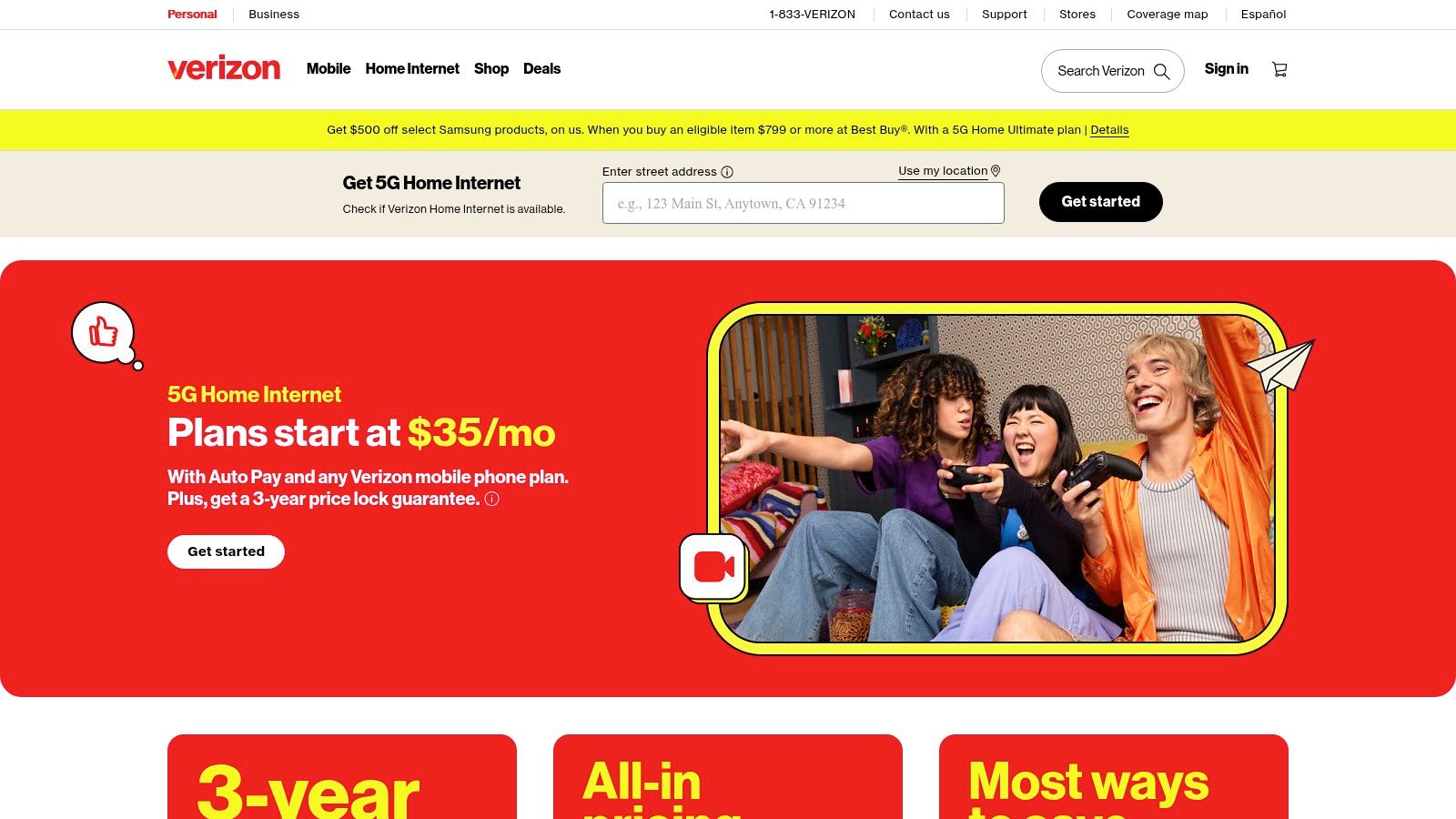
A common Houston scenario is a home office or small branch that cannot wait two weeks for a wired install. Verizon 5G Home Internet fits that gap well. It is fast to deploy, easy to move, and often priced best for households already tied into Verizon mobile service. Verizon outlines the product, setup model, and plan options on its 5G Home Internet service page.
I would not evaluate it the same way as fiber or even cable. The right comparison is convenience versus consistency. If the main goal is getting online quickly, adding a second path, or avoiding landlord and construction delays, Verizon has a real place in the Houston market.
Where Verizon 5G makes sense
Verizon 5G Home Internet is a practical fit for apartments, temporary spaces, and residences that want simple setup without waiting on a technician. It also works well for small offices that need a backup WAN circuit in place before the primary connection fails.
For businesses using hosted phones, that backup role matters. Teams reviewing VoIP service providers near Houston should look at internet redundancy at the same time, because voice quality problems usually start with the access circuit, not the phone system.
The trade-off is predictable. Performance can change by block, by building, and sometimes by where the gateway sits inside the suite. Concrete walls, window placement, tower load, and peak-hour congestion all affect the result. A speed test during setup is useful, but it is not the same as knowing how the line will behave during Monday morning call volume or a heavy upload window.
What IT leaders should factor in
For residential users, Verizon 5G can be the primary connection if the address tests well and usage is mostly streaming, web apps, video calls, and normal cloud work. For IT managers, the better role is often failover, short-term turn-up, or business continuity for smaller sites.
That distinction matters if the site connects back to a data center, runs site-to-site VPNs, or depends on line-of-business systems with low tolerance for jitter and latency swings. Wireless broadband does not replace the planning discipline behind enterprise access. SLAs, repair targets, static IP needs, dedicated circuits, and carrier diversity still drive the design for serious production environments.
Used correctly, Verizon 5G is valuable. I recommend it for rapid deployment and secondary connectivity. I do not recommend building a Houston branch, clinic, or warehouse around it as the only circuit unless the location has already proven stable under real workload conditions.
Houston Broadband Providers: 7-Provider Comparison
| Provider | 🔄 Implementation complexity | ⚡ Resource requirements | 📊 Expected outcomes | 💡 Ideal use cases | ⭐ Key advantages |
|---|---|---|---|---|---|
| AT&T Fiber | Professional install often required; address availability check | Fiber ONT, router; enterprise options (static IPs, DIA) | Low latency, symmetrical up to multi‑gig, SLA-backed reliability | Homes, branch offices, SMBs/enterprise needing high upload & low latency | Symmetrical multi‑gig, broad metro footprint, enterprise SLAs & 24/7 support |
| Xfinity (Comcast) | Easy self‑install or pro install; widely available | Cable gateway/modem (often included); optional unlimited data | High downstream speeds, asymmetric uploads, good for heavy downloads | Residential users prioritizing downloads, bundle seekers | Very broad coverage, competitive bundles, large Wi‑Fi hotspot network |
| Astound Broadband | Self or pro install; neighborhood/MDU availability | Cable/fiber modem; promotions may require sign‑up | Competitive gig speeds where available, stable promotional pricing | MDUs, neighborhood-specific builds, value-focused gig users | "Price for Life" on eligible tiers, strong local footprint in legacy areas |
| Ezee Fiber | Free professional installation; new rollout requires address check | Fiber ONT plus included eero Wi‑Fi hardware (Wi‑Fi 6E/7 on higher tiers) | Symmetrical 1–8 Gbps, low latency, aggressive pricing | High‑performance home offices and small businesses needing large uploads | Lifetime pricing, multi‑gig symmetrical tiers, included modern Wi‑Fi & 24/7 US support |
| Tachus Fiber | Professional install; suburban footprint and phased builds | Fiber equipment; transparent broadband facts labels | Symmetrical speeds (300 Mbps–5 Gbps), no data caps, predictable performance | Suburban homes, telehealth, content creators, backup circuits | Published pricing/labels, lifetime/no‑contract pricing, local Texas support |
| T‑Mobile 5G Home Internet | Fast self‑setup; plug‑and‑play equipment | 5G gateway included; performance depends on tower capacity | Variable throughput & latency; suitable for general use or failover | Areas with limited wired options, temporary service, secondary WAN | Quick deployment, simple pricing, equipment included, mobile bundling discounts |
| Verizon 5G Home Internet | Easy self‑install; availability depends on address & 5G capacity | 5G gateway provided; no annual contracts | Variable throughput and latency vs wired; good for backup use | Wireless failover, customers bundled with Verizon mobile | Rapid setup, price‑lock options, discounts for Verizon wireless customers |
Making Your Final Connection
The best Houston internet choice usually comes down to one question. What's available at your address, and how much inconsistency can you tolerate?
If fiber is available, I'd start there. AT&T Fiber is the broadest practical first check for many Houston homes and businesses because it combines low latency, strong upload performance, and a mature business services stack. Ezee Fiber is worth serious attention where it's lit up, especially if you want symmetrical multi-gig service and a more modern customer proposition. Tachus remains appealing in suburban footprints where simple pricing and fiber performance matter more than brand size.
If fiber isn't available, Xfinity is often the most realistic wired fallback. It has broad coverage and strong downstream speed, which works well for general home use and plenty of standard office workloads. Just be honest about your upload needs. If your day revolves around cloud storage, large media files, offsite backups, or lots of live meetings, cable can start to feel tight faster than the advertised download number suggests.
The fixed wireless options, T-Mobile and Verizon, fill a different role. They're good for quick deployment, temporary setups, move-ins, and backup connectivity. For many households, they'll be perfectly serviceable as a primary line. For business sites, I usually like them more as a second circuit than the only circuit. That's especially true if the site supports voice, video, or any workflow where unpredictable latency causes real disruption.
IT leaders should also think beyond the consumer shopping page. In Houston, the internet market is strong enough to support enterprise-grade planning, but the buying process still needs discipline. Ask about install timelines, static IP options, escalation paths, uptime commitments, and whether the provider can offer carrier diversity across critical sites. If you manage data center transitions, regulated data handling, or office closures, connectivity isn't just about productivity. It affects migration timing, cloud synchronization, remote wipe workflows, and how much operational risk you carry during equipment retirement.
There's also a geographic caveat. Houston city proper is well served, but nearby rural and surrounding county areas can still be underserved. One regional gap analysis notes that approximately 1 in 3 households statewide lack broadband access, with rural and low-income communities hit hardest, according to Lightyear's review of dark fiber and rural broadband gaps around Houston. If your organization operates outside the urban core, availability assumptions can break quickly.
For public sector, nonprofit, and education buyers, budget pressure is also changing. The Affordable Connectivity Program served more than 292,600 subscribers across nine counties as of December 2023, and its sunset creates new cost pressure for organizations that relied on discounted connectivity, according to Rice Kinder Institute reporting on the Houston ACP impact. That makes provider choice more operational than ever.
Check the address. Read the service terms. Ask direct questions. The right broadband providers houston choice is the one that still works well after the promo banner stops mattering.
If your Houston internet upgrade is part of a larger office refresh, relocation, or data center project, Dallas Fortworth Computer Recycling can help you retire old equipment securely while you modernize connectivity. They support IT teams nationwide with compliant IT asset disposition, data destruction, electronics recycling, and data center decommissioning, which is especially useful when network changes and hardware turnover happen at the same time.