
Computer Recycling Pickup Arlington: Secure & Certified
For any business in Arlington, managing old IT equipment is a lot more than just spring cleaning. It’s a critical security and compliance task. Arranging a professional computer recycling pickup in Arlington is the only way to be certain your company's data, reputation, and bottom line are protected from start to finish.
Why Secure E-Waste Disposal Is a Business Priority
That storage closet full of old computers, servers, and forgotten hard drives isn't just taking up space—it's a ticking time bomb of business risk. Every single one of those devices represents a potential weak point for your data security and a compliance nightmare waiting to happen.
We see it all the time. A local Arlington healthcare provider gets hit with a HIPAA audit because an old, discarded laptop still had patient records on it. Or a financial firm faces crippling GLBA (Gramm-Leach-Bliley Act) fines because someone forgot to properly destroy a stack of old hard drives. These aren't just hypotheticals; they are the real-world consequences of treating IT asset disposition (ITAD) as an afterthought.
From Liability to Strategic Advantage
A formal ITAD program does more than just clear out clutter. It transforms a major liability into a documented, secure process that actively defends your business. When you partner with a certified recycler, you get an audited trail proving your organization took every necessary step to safeguard sensitive data.
This approach gives you a few key advantages:
- Eliminates Data Breach Risks: Professional data destruction guarantees that sensitive information can never fall into the wrong hands.
- Ensures Regulatory Compliance: Certified disposal meets strict legal standards like HIPAA and GLBA, shielding you from massive fines and legal headaches.
- Protects Your Brand: Showing customers and partners that you handle data responsibly is a powerful way to build trust.
- Frees Up Your IT Team: Let us handle the logistics of e-waste so your team can focus on what they do best—driving your business forward.
The need for these services is growing fast. In 2026, computer manufacturers under the Texas Recycles Computers Program collected over 3.8 million pounds of equipment across the state. That's a 14% increase from the previous year, highlighting just how many businesses are turning to professional pickup services.
Why Arlington Businesses Need Professional ITAD Services
Viewing e-waste disposal through a strategic lens helps connect it directly to your business goals. It's not just an operational chore but a core part of risk management and corporate responsibility.
| Business Driver | Key Challenge in Arlington | Solution via Professional Pickup |
|---|---|---|
| Data Security | Retiring devices still contain sensitive client, financial, or employee data. | Certified data destruction ensures all information is permanently erased and unrecoverable. |
| Regulatory Compliance | Strict laws (HIPAA, GLBA) mandate secure data handling, with heavy fines for violations. | Documented chain-of-custody and Certificates of Destruction provide auditable proof of compliance. |
| Operational Efficiency | IT staff are tied up managing old, bulky equipment instead of focusing on core tasks. | Outsourced pickup and processing frees up valuable internal resources and physical space. |
| Brand Reputation | Customers and partners are increasingly concerned with how businesses handle their data. | Demonstrating responsible ITAD practices builds trust and reinforces your company's credibility. |
Professional ITAD isn't an expense; it's a smart investment in your company's long-term security and stability. You can also explore the broader environmental and business benefits of e-waste recycling in our related guide.
By formalizing your computer recycling process, you're not just getting rid of old equipment—you're implementing a security protocol that defends your organization against very real threats. This shift in perspective is what separates proactive businesses from those left vulnerable.
Ultimately, a scheduled computer recycling pickup in Arlington delivers one thing above all else: peace of mind. It guarantees that every asset is accounted for, all data is verifiably destroyed, and your company remains compliant, turning a complex challenge into a simple, secure solution.
Preparing Your IT Assets For a Seamless Pickup
What you do before our truck arrives at your Arlington office is just as important as the pickup itself. Proper prep work is the difference between a smooth, secure handover and a chaotic, disruptive one. A successful computer recycling pickup in Arlington really starts with getting your own house in order.
Think of it like this: you wouldn’t just show up at DFW for an international flight without a packed bag and a passport. The same logic applies here. A bit of organization upfront prevents major headaches and ensures every single asset is accounted for.
This process directly shores up your security, improves efficiency, and most importantly, mitigates your liability.
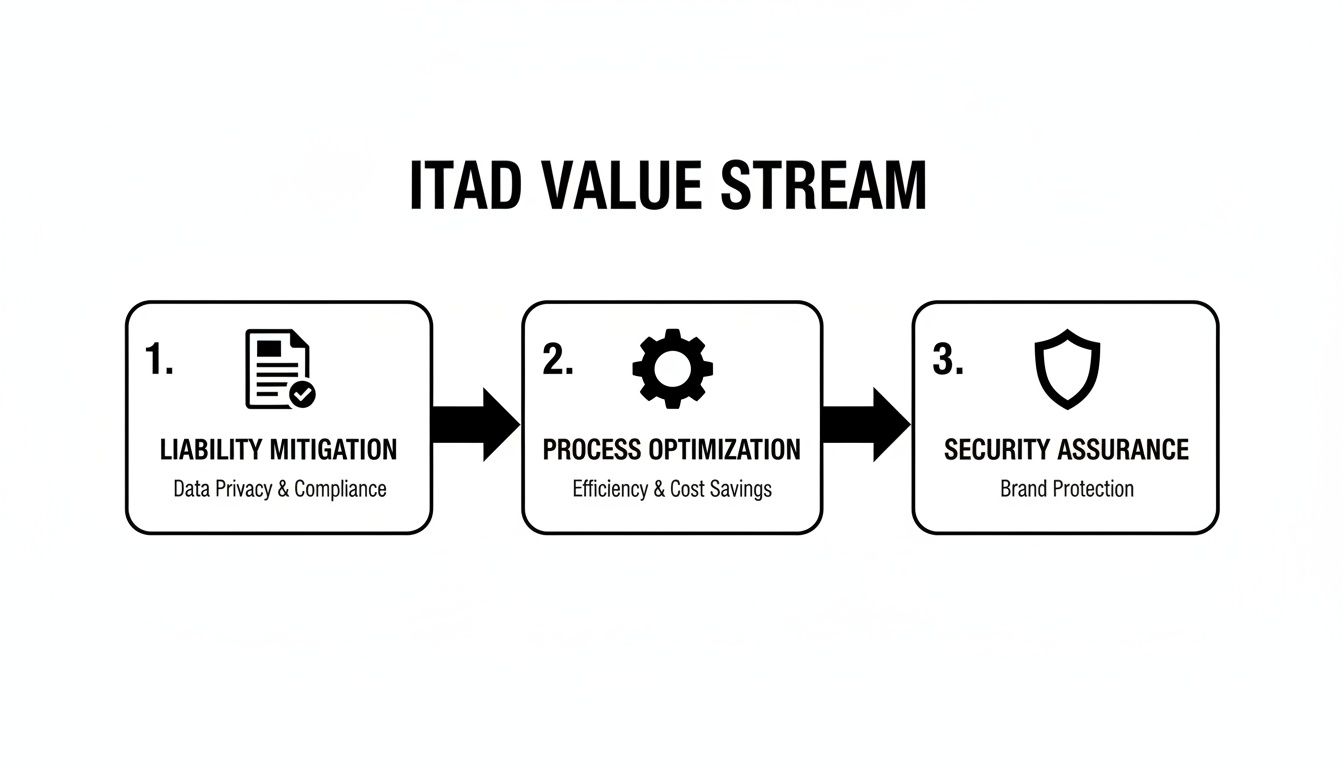
As you can see, a solid internal game plan is your first line of defense.
Create a Detailed Inventory List
First things first: you need to know exactly what’s leaving the building. A simple inventory spreadsheet isn't just a nice-to-have; it's non-negotiable for accountability and a clean chain of custody.
This list doesn't need to be fancy, but it absolutely must capture the essentials. It’s what you’ll use to cross-reference the final Certificate of Destruction.
For each asset, make sure you log:
- Asset Tag: Your internal tracking number.
- Device Type: e.g., Laptop, Desktop, Server, Monitor.
- Brand/Model: e.g., Dell Latitude 7420, HP ProLiant DL380.
- Serial Number: This is the most crucial identifier for auditing.
- Data-Bearing?: A simple "Yes" or "No" to flag anything with storage.
This list becomes your initial chain-of-custody document. It’s your proof of what you handed over, protecting you and ensuring no asset gets left behind.
Deciding on Data Destruction: In-House vs. Vendor
One of the biggest calls you'll make is how to handle data destruction. You can wipe the drives yourself before pickup, or you can rely on your certified vendor to do it all. Both have their place.
Wiping Data In-House:
- The Upside: You keep total control over your sensitive data right up until it leaves your possession. For many, this adds a valuable layer of security and peace of mind.
- The Downside: It’s a job for your IT team, pulling them away from other projects. And if it's not done to a certified standard, it can create a false sense of security.
Using a Vendor for Destruction:
- The Upside: It's incredibly efficient. Specialists handle it using certified methods like shredding or degaussing. The vendor assumes the liability, and you get a Certificate of Data Destruction as proof.
- The Downside: You are placing complete trust in your vendor's security and process from the moment the gear is out the door.
For most businesses we work with, a hybrid approach is the gold standard. Perform a standard wipe on devices in-house as a first pass. Then, have the certified recycler perform the final, physical destruction. This "trust but verify" method gives you bulletproof, layered security.
Practical Staging For an Efficient Handover
How you physically stage the equipment for pickup can make a massive difference in how quickly and accurately the job gets done. A jumbled pile of electronics just creates delays and invites errors.
For a much smoother process, we recommend these staging tips:
- Segregate by Type: Grouping like with like is a game-changer. Keep laptops on one pallet, servers on another, and monitors on a third. This lets the pickup team work fast.
- Consolidate Peripherals: Don't let small items get lost in the shuffle. Toss all your keyboards, mice, docking stations, and cables into a few large gaylord boxes.
- Label Everything Clearly: Use your inventory list to slap a clear label on each pallet or container. A pallet of wiped laptops can be marked "Laptops – Data Wiped," while a box of old hard drives gets tagged "For Shredding Only."
These same principles hold true for businesses across North Texas. If your company has multiple offices, our guide on business computer recycling in Plano can help you build a consistent process across the entire metroplex. A little prep work makes for a secure and painless ITAD project every time.
Navigating Data Destruction and Compliance Standards
For any IT leader in Arlington, the most critical question is this: can you prove your data was completely destroyed? When you schedule a computer recycling pickup in Arlington, you’re doing more than just getting rid of old hardware. You're managing sensitive information that falls under a complex web of security regulations, and getting this wrong is simply not an option.
The process of retiring IT assets is governed by strict rules that carry serious penalties. A single discarded hard drive containing customer or patient information can trigger a devastating data breach, leading to significant financial and legal consequences for your organization.
Understanding Key Compliance Mandates
Several major regulations dictate how businesses must handle data. While they can seem intimidating, their core purpose is straightforward: protect personal information. Failing to comply can result in fines reaching millions of dollars per incident.
Here’s how they directly impact your e-waste disposal process:
- HIPAA (Health Insurance Portability and Accountability Act): For any healthcare provider, this is non-negotiable. It mandates strict privacy and security rules for Protected Health Information (PHI). Disposing of a computer without verifiably destroying patient data is a direct violation.
- GLBA (Gramm-Leach-Bliley Act): Financial institutions like banks, investment firms, and insurance companies must adhere to GLBA. It requires them to protect consumers' "nonpublic personal information" (NPI), which includes everything from account numbers to credit histories.
- PCI-DSS (Payment Card Industry Data Security Standard): Any organization that accepts, processes, or stores credit card information is subject to these standards. Old point-of-sale systems or servers must have their data securely destroyed to prevent theft of cardholder data.
These rules don't distinguish between accidental and intentional data loss. The responsibility to destroy the data—and prove it—falls squarely on your organization.
The most important thing to remember is that your liability doesn't end when the equipment leaves your building. It only ends when you have a legally defensible document proving a certified partner destroyed the data. This is precisely why a simple handshake agreement is never enough.
Choosing the Right Data Destruction Method
Not all data destruction methods are created equal. The right choice depends entirely on the device type and your organization's security requirements. You have three primary options, each with a specific purpose.
1. Data Wiping (Sanitization)
This method uses specialized software to overwrite existing data on a hard drive with random characters, typically in multiple passes.
- Best For: Newer, functional hard drives (HDDs) and solid-state drives (SSDs) that you intend to reuse or resell.
- Limitation: It requires the drive to be in perfect working order. For highly sensitive data, it’s not considered as secure as physical destruction.
2. Degaussing
A degausser exposes a magnetic hard drive (HDD) to a powerful magnetic field, which instantly and permanently scrambles the data.
- Best For: Quickly destroying data on large quantities of magnetic media, like traditional HDDs and backup tapes.
- Limitation: This method is completely ineffective on SSDs, as they do not store data magnetically.
3. Physical Shredding
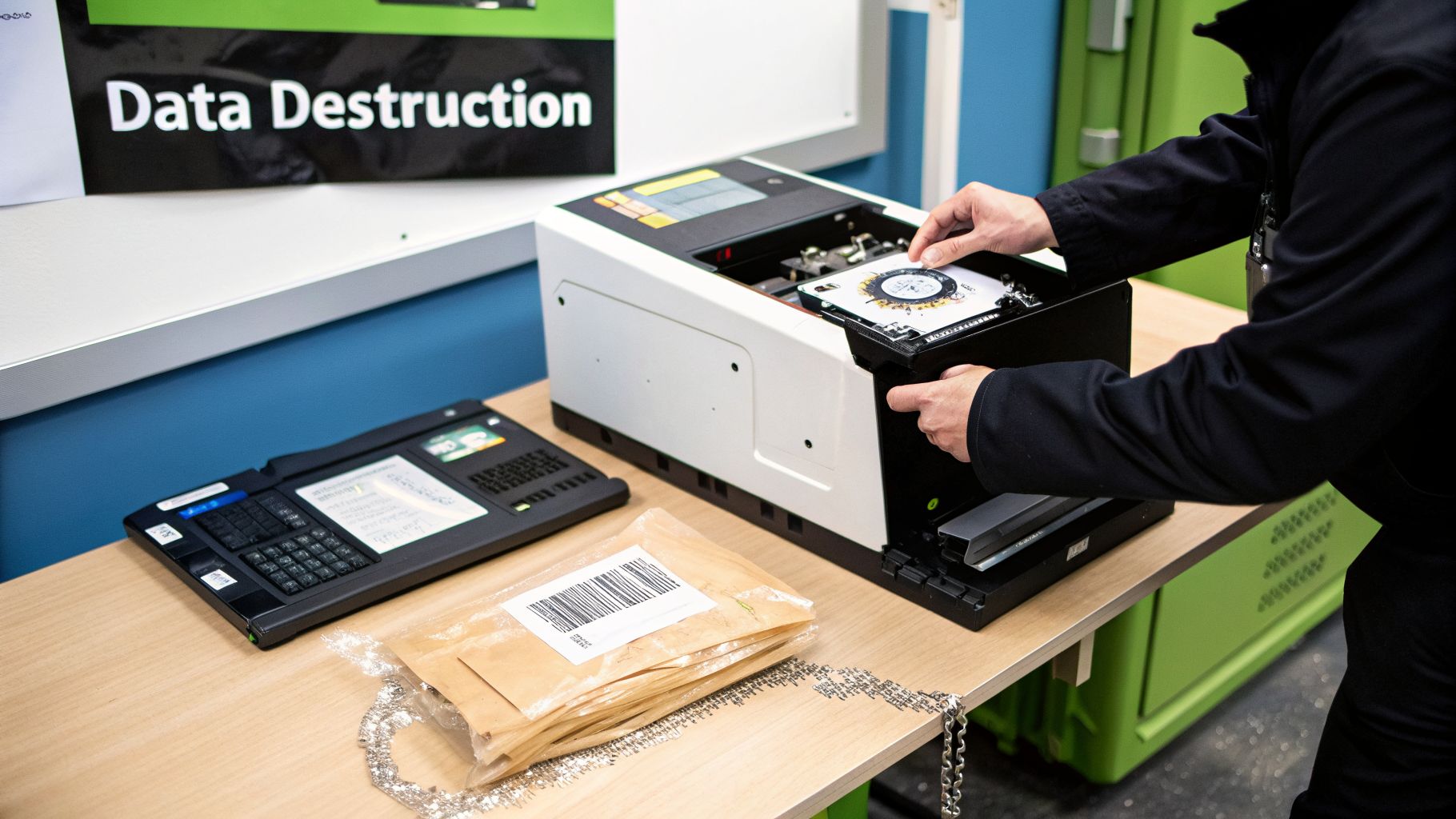
This is the most secure method available. The hard drive is fed into an industrial shredder that grinds it into small, irrecoverable metal fragments.
- Best For: All drive types (HDDs and SSDs) containing highly sensitive data where absolute destruction is mandatory. This is the gold standard for compliance.
- Limitation: The drive is physically obliterated and cannot be reused.
For organizations in Arlington handling sensitive information, a certified recycler offering end-to-end services is essential. For over a decade, we have provided NAID AAA Certified hard drive shredding with chain-of-custody documentation that meets HIPAA, GLBA, and PCI-DSS requirements. To explore these services in more detail, check out our guide on professional hard drive shredding in Arlington.
Ultimately, a certified computer recycling pickup in Arlington that includes documented, physical destruction is the only way to be certain you've met your compliance obligations. The Certificate of Data Destruction you receive is your definitive proof.
Scheduling Your Arlington Computer recycling Pickup
Once your equipment is inventoried and prepped, it's time to arrange for removal. Scheduling a professional computer recycling pickup in Arlington is simple, but having the right details on hand from the start ensures you get an accurate quote and a smooth pickup.
This isn't like calling a residential junk hauler. A B2B ITAD service is built around security, compliance, and logistics specific to a business environment. When you come to that first call or email prepared, it shows you’re serious about finding a secure, long-term partner.
Information Your Recycling Partner Will Need
To schedule a pickup and provide an accurate quote, your ITAD provider needs a few key details about the job. Think of this as a pre-flight checklist before you even make contact—it will make the whole process faster.
Be ready to share:
- An Itemized List: A rough count of major assets like desktops, laptops, servers, and monitors is a great start. If you have that detailed inventory sheet ready, even better.
- Location Specifics: Is the equipment on the ground floor or a high-rise? Is there a loading dock, a freight elevator, or just a standard passenger elevator and stairs? These logistics directly affect the labor and time needed.
- Data Destruction Needs: Be clear about your requirements. Do you need on-site shredding, off-site wiping, or have you already handled data destruction internally? This is one of the biggest factors in determining the scope of work.
For instance, picking up 50 pre-wiped laptops from a ground-floor suite with a loading dock is a completely different project than removing 20 heavy servers from a fifth-floor office with no freight elevator. The more detail you provide upfront, the more accurate our service plan will be from day one.
Pro Tip: Don’t forget the small stuff. Let us know if you have pallets or gaylord boxes filled with keyboards, mice, and cables. While these items have little individual value, their volume and weight are important for our logistics team to plan for.
Understanding Pickup Costs and Service Windows
One of the first questions we always get is, "What will this cost?" The answer really depends on the type and value of the equipment you have. The resale market for refurbished IT assets is what determines whether a pickup has a cost, is free, or even generates a return for you.
A pickup could be free or even result in a rebate for your company.
- Potentially Free Pickups: If your assets include a good quantity of desirable equipment—like 50+ recent-model Core i5 laptops, servers, or networking gear—the resale value can often cover all the costs for logistics and data destruction.
- Pickups with a Fee: Disposing of older, obsolete equipment typically comes with a fee. This is especially true for items like old CRT monitors and printers, which have no resale value and contain hazardous materials that are expensive to process responsibly.
A trustworthy partner will always be transparent about any costs, tying them directly to the inventory list you provide. Most professional pickups are scheduled during standard business hours (Monday through Friday, 8:00 AM to 5:00 PM) to align with your own company's schedule. You can learn more about how we structure our services in our guide to e-waste pickup in the DFW area.
Commercial Service vs. Residential Drop-Off Events
It’s vital for businesses to understand the difference between a professional B2B pickup service and a city-run residential recycling event. While these events are great for the public, they are not designed for business assets and lack the security and documentation you need.
| Feature | B2B Commercial Pickup | Residential Drop-Off Event |
|---|---|---|
| Security | Certified data destruction with serialized tracking and auditable reports. | No guaranteed data destruction; not secure for business data. |
| Liability | Transfers liability to the certified vendor with a Certificate of Destruction. | Liability for any data on devices remains with the business. |
| Logistics | Handles large commercial volumes and complex on-site removals. | Designed for individuals dropping off a handful of personal items. |
| Documentation | Provides a full chain-of-custody report for compliance and audits. | Offers no formal documentation suitable for business records. |
For any Arlington business, using a residential drop-off event for corporate IT assets is a major security and compliance risk. A professional B2B service is the only way to ensure your company’s data is protected and you remain compliant with regulations like HIPAA, SOX, and GLBA.
What Happens After Your Equipment Is Picked Up
Once our secure truck pulls away from your Arlington office, your old IT assets begin a tightly controlled journey from your facility to ours. This downstream process is where the real work of secure and responsible e-waste recycling happens, ensuring every item is tracked, processed, and managed with precision.
Many people think old electronics are simply shredded into scrap metal. In reality, a certified recycler follows a strict "reuse, recover, recycle" hierarchy. This model prioritizes giving equipment a second life whenever possible—a practice that is far superior both environmentally and economically.
The Initial Stop at a Secure Facility
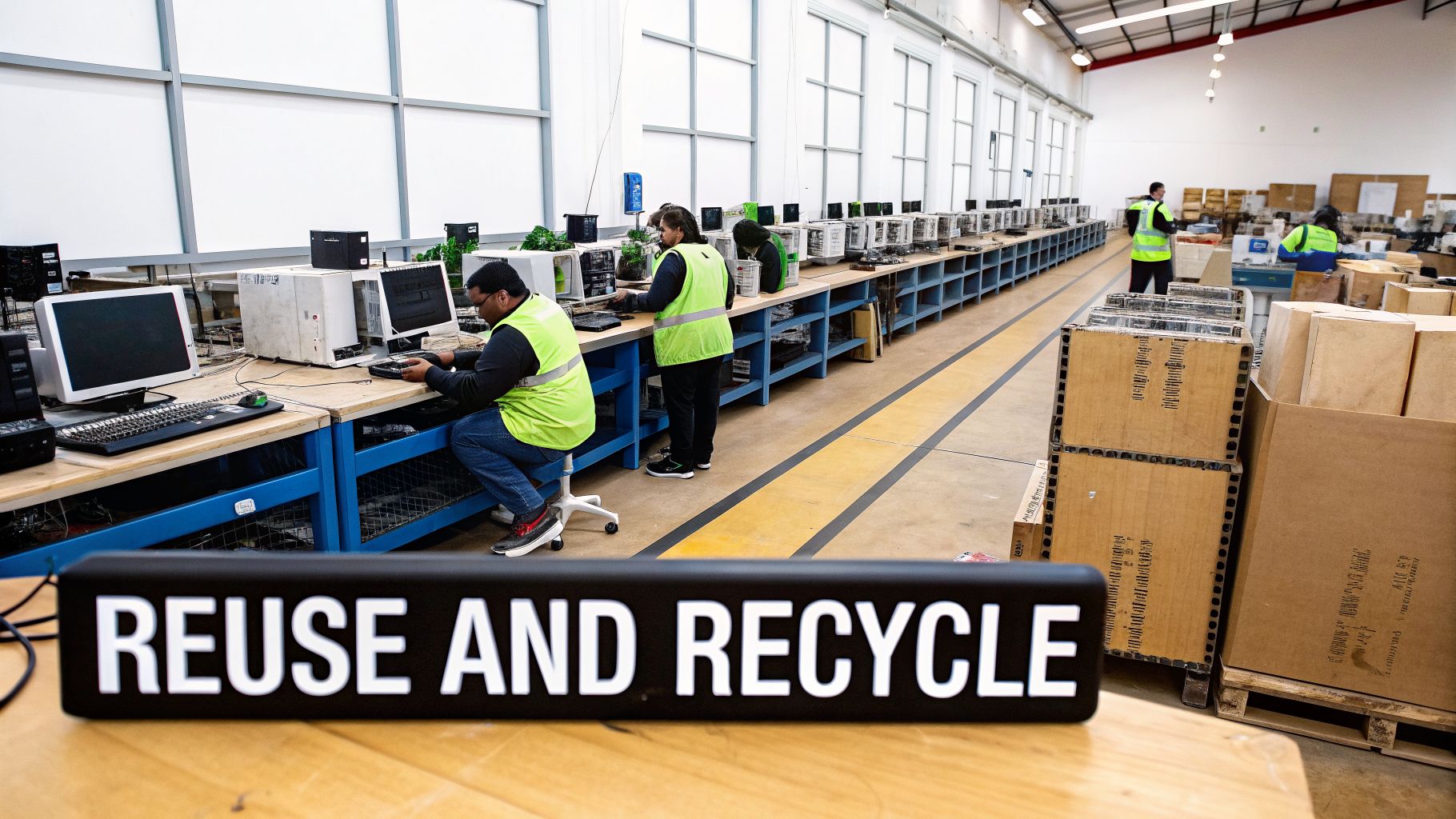
The first destination for your equipment after a computer recycling pickup in Arlington is our secure, access-controlled processing facility. Upon arrival, every pallet and asset is checked in against the inventory list from your site. This critical step verifies that everything you entrusted to us has arrived safely, maintaining an unbroken chain of custody.
Inside, our team triages each device based on its type, age, and condition. Equipment is sorted into distinct streams:
- Assets for Data Destruction: Hard drives and other data-bearing devices are immediately segregated and moved to a secure cage for certified data sanitization or physical destruction.
- Equipment for Reuse: Functional computers, servers, and monitors are sent to our technical department for in-depth testing and potential refurbishment.
- Items for Recycling: Broken, obsolete, or non-functional electronics are routed for de-manufacturing and materials recovery.
This methodical sorting process is fully documented, ensuring every single piece of hardware is accounted for and directed down the correct, compliant path.
Giving Functional Equipment a Second Life
The most sustainable option for any electronic device is reuse. Our technicians will test functional equipment—like a batch of retired servers from an Arlington office park—to assess its performance and cosmetic condition. If an asset meets our quality standards, it’s slated for refurbishment.
This process involves:
- Thorough Testing: Key components like RAM, CPUs, and power supplies are individually tested for full functionality.
- Certified Data Wiping: All storage media is wiped using methods that meet or exceed NIST 800-88 standards.
- Upgrades and Repairs: Any faulty parts are replaced, and components may be upgraded to enhance performance for the secondary market.
Refurbished equipment is then sold, extending its useful life, reducing the need for new manufacturing, and providing affordable technology to other businesses. It’s a direct contribution to a circular economy.
De-manufacturing and Materials Recovery
Equipment that is non-functional, outdated, or specifically designated for destruction moves to our de-manufacturing line. Here, trained technicians dismantle each device by hand—a crucial step for separating valuable commodities from potentially hazardous materials.
The goal of de-manufacturing is to isolate clean material streams for maximum recovery. It's far more effective than shredding a whole computer, which can cross-contaminate valuable materials and make recycling less efficient.
During this stage, various materials are meticulously separated. Valuable commodities like aluminum, steel, copper, and precious metals from circuit boards are collected and sent to certified smelters for processing. At the same time, hazardous components are captured and managed responsibly.
For example:
- Mercury: Found in older LCD backlights, it is carefully removed and sent to a specialized facility for safe handling.
- Lead: Present in CRT monitor glass and circuit board solder, it is extracted and processed to prevent environmental contamination.
- Batteries: All types, from lithium-ion to lead-acid, are separated and routed to dedicated battery recyclers.
This careful, hands-on process ensures that up to 98% of the materials from old electronics can be recovered and put back into the supply chain, keeping tons of e-waste out of landfills. When you receive your final paperwork, which can include a Certificate of Destruction for hard drives, you have documented proof that the entire process was secure and environmentally sound from start to finish.
Frequently Asked Questions About Computer Recycling in Arlington
Even the most buttoned-up IT retirement plan runs into questions. When you're managing a major computer recycling project in Arlington, the details matter. We get the same questions from IT managers and business owners all the time, so we’ve gathered the answers right here.
Think of this as the final check-in before you schedule your pickup, based on our years of experience on the ground.
What Types of Electronics Can We Include in a Pickup?
Our commercial pickups are designed for business infrastructure, which means we can take almost everything you'd find in an office or data center. The scope is far broader than what you’d see at a residential drop-off event.
Generally, if it was part of your IT operations, we can handle it:
- Core IT Hardware: Desktops, laptops, servers, and all your networking gear like switches and routers.
- Peripherals: LCD monitors, keyboards, mice, docking stations, and bins of associated cables.
- Data Storage: Loose hard drives (HDDs), solid-state drives (SSDs), and external storage devices.
- Office Electronics: Most VoIP phones, business-grade printers, and scanners are also accepted.
It’s always a good idea to run your final inventory list by your recycling partner. While almost all standard business electronics are fine, some items like old, heavy CRT monitors or specialized industrial equipment might need special arrangements.
Is a Certificate of Data Destruction Really Necessary?
Yes, without a doubt. For any business, a Certificate of Data Destruction (CoD) is a non-negotiable requirement. This is your legally defensible proof that you met your obligations to protect sensitive data under regulations like HIPAA, GLBA, and PCI-DSS.
The CoD is the official document that transfers liability for that data from your organization to ours. Without it, your company remains legally and financially exposed if a data breach is ever traced back to one of your old assets.
A legitimate certificate is much more than a simple receipt. It needs to detail the specific serial numbers of the destroyed drives, the exact method used (like physical shredding to a certain particle size), and the date of destruction. This is the audit-proof document your compliance and legal teams will require.
Our Office Is Upstairs with No Loading Dock Can You Still Pick Up?
Absolutely. This is a common scenario in many Arlington office buildings, and our logistics teams are fully equipped to handle it. A lack of a loading dock is a logistics challenge for us to solve, not a roadblock for you.
The key is to give us a heads-up when you schedule the pickup. Just let us know:
- Which floor your equipment is on.
- If there's a freight elevator, or if we'll be using a passenger one.
- Any tight corners, narrow hallways, or other access challenges.
Armed with that info, our crew will show up with the right equipment—heavy-duty dollies, pallet jacks, and even protective floor coverings—to get the job done safely and efficiently. Our goal is a smooth removal with zero disruption to your business.
How Is This Different From a City Recycling Event?
The difference is everything. A professional B2B service is focused on security and liability, while a city event is built for residential convenience. Using a public drop-off for business assets is a significant compliance risk.
Here’s a clear breakdown:
| Feature | B2B Commercial Pickup | City Residential Event |
|---|---|---|
| Security | Certified, documented data destruction to meet compliance standards. | No guaranteed data destruction; not secure for business data. |
| Liability | Transfers liability to the certified recycler via a Certificate of Destruction. | All liability for data breaches remains with your business. |
| Logistics | Handles large commercial volumes with on-site removal from your office. | Designed for individuals dropping off a few personal items. |
| Documentation | Provides a full, auditable chain-of-custody report for compliance. | Offers no formal documentation suitable for business records. |
Ultimately, a professional computer recycling pickup in Arlington is a security service that protects your company from the massive risks of a data breach. It's a completely different class of service from a public event.
Ready to schedule a secure and compliant pickup for your business? With over a decade of experience, Dallas Fortworth Computer Recycling provides certified, end-to-end ITAD solutions for organizations across the nation. Contact us today to ensure your old technology is handled responsibly.