
A Business Guide to Recycle Computers Arlington Texas

For any business in Arlington, dealing with old computers is much more than just a matter of clearing out space. To properly recycle computers in Arlington, Texas, you need a certified IT Asset Disposition (ITAD) partner who understands data security, environmental rules, and how to recover any remaining value. This is a specialized job—not one you can hand off to a standard waste hauler.
Why Smart Computer Recycling Matters in Arlington
That stack of aging computers in a storage closet isn't just clutter; it's a very real liability for your Arlington business. Each machine is a container of potential data security risks, a hurdle for environmental compliance, and often, unrealized financial value. Simply throwing these assets away is not an option.
An experienced ITAD partner turns this challenge into a controlled, documented process that goes far beyond simple disposal. Without a certified strategy, your company is exposed to data breaches, steep non-compliance fines, and significant damage to your reputation. This is about being smart and secure, not just "green."
Protect Your Company's Reputation and Data
Every single hard drive in your old equipment holds a piece of your company's history—client lists, financial records, proprietary data, and more. A data breach from an improperly discarded computer can be catastrophic. The financial penalties are bad enough, but losing customer trust can be impossible to recover from.
A certified computer recycling process provides a complete, auditable trail, culminating in a Certificate of Data Destruction. This document is your official proof of due diligence, showing you took every required step to protect sensitive data and comply with regulations like HIPAA or PCI-DSS.
Navigate Environmental Regulations with Confidence
Texas has specific, strict regulations for how electronics must be handled. Tossing computers and other e-waste into a landfill isn't just irresponsible—it can lead to legal and financial consequences. These devices contain hazardous materials like lead and mercury that require certified professionals to manage.
You can dive deeper into compliant Arlington electronics recycling in our detailed guide.
Working with a certified e-recycling partner ensures your equipment is managed according to all state and federal laws. This always includes:
- Responsible Downstream Management: Verifying that all materials are tracked to audited facilities for proper, ethical processing.
- Zero-Landfill Policies: A commitment that ensures no part of your electronic assets will ever end up in a municipal dump.
- Compliance Documentation: Providing all the necessary paperwork to satisfy any internal or external audits.
By formalizing how you recycle computers in Arlington, Texas, you transform a logistical headache into a strategic advantage that protects both your brand and your bottom line.
Preparing Your IT Assets for Secure Pickup
Before any retired IT hardware leaves your building, a solid preparation process is non-negotiable. This isn't just about making neat piles of old equipment; it's about establishing control and accountability right from the start. Getting this part right ensures every single device is accounted for, which prevents logistical nightmares and builds a bulletproof foundation for your compliance audit trail.
The first thing you need is a detailed inventory list. This document is the cornerstone of your chain of custody, so accuracy is everything. For each asset, you'll want to capture a few key details.
- Asset Tag Number: Your company's internal ID for the device.
- Serial Number: The unique identifier from the manufacturer.
- Device Type: Be specific—is it a laptop, desktop, server, or switch?
- Physical Location: Note where it came from (e.g., "Marketing Dept, 3rd Floor").
This careful logging ensures that when you recycle computers in Arlington, Texas, you have an exact record of what was handed over. This list becomes critical when it's time to verify data destruction reports and confirm the final disposition of your assets.
Your IT Asset Preparation Checklist
To make this process seamless, use this checklist. It breaks down the essential steps to get your equipment ready for a secure and compliant recycling pickup right here in Arlington.
| Preparation Step | Key Action | Why It Matters for Your Business |
|---|---|---|
| Inventory Creation | Document asset tags, serial numbers, and device types for all equipment. | Creates the initial record for your chain of custody, which is essential for audit and compliance verification. |
| Data Security Review | Identify all devices containing sensitive data (hard drives, SSDs). | Ensures data-bearing assets are flagged for certified destruction, preventing potential data breaches. |
| Physical Sorting | Separate assets into categories: recycle, resell, and peripherals. | Streamlines the pickup process and helps your recycling partner process items efficiently, maximizing value recovery. |
| Secure Staging | Move all prepared assets to a single, secure, and accessible location. | Prevents loss or theft of equipment and makes the physical pickup faster and more organized for the logistics team. |
| Labeling | Clearly label pallets or groups of equipment (e.g., "For Data Destruction," "For Resale"). | Avoids mix-ups and ensures every asset follows the correct disposition path according to your instructions. |
Following this checklist systematically turns a potentially chaotic cleanout into a controlled, auditable process. It's your first line of defense in protecting company data and resources.
Sorting and Segmenting Your Equipment
With your inventory complete, it's time to physically sort the assets. Not everything will—or should—follow the same path. You'll generally want to separate equipment into a few key groups: devices that need data destruction and recycling, those that might have resale value, and basic peripherals with no data storage.
This approach connects directly to the bigger picture of smart recycling.
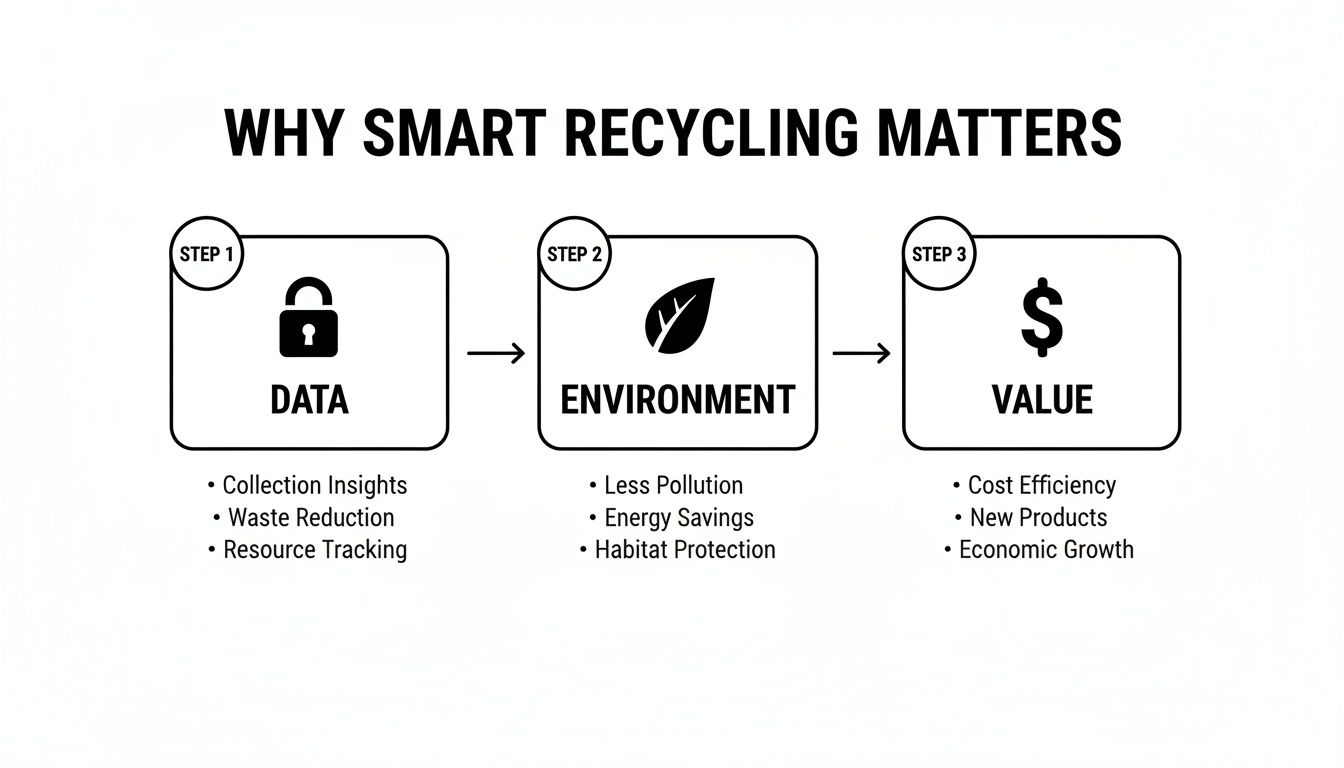
As you can see, securing your data, protecting the environment, and recovering value are all interconnected. It all starts with a well-organized disposition plan.
Think of it this way: a healthcare provider in Arlington decommissioning old workstations must put HIPAA compliance first. Every PC that ever touched patient data would be segregated for certified on-site or off-site hard drive shredding. On the other hand, a local software firm retiring newer MacBooks might tag them for refurbishment and resale to get some money back. This upfront sorting makes the entire pickup and processing phase run much more smoothly.
Aligning with Local Recycling Initiatives
Your company's efforts don't happen in a vacuum—they're part of a larger, community-wide push for responsible electronics management. In 2025, the City of Arlington recycled over 25,000 pounds of electronics. Now, its FY26 budget aims to more than double that to 50,000 pounds.
This local commitment is great news for businesses. It strengthens the infrastructure and confirms that certified partners are available to handle large-scale e-waste projects properly.
Key Takeaway: Proactive preparation does more than just organize your pickup. It creates an auditable, secure, and efficient workflow that protects your organization from risk and aligns with Arlington's growing sustainability goals.
By investing a little time in inventory and sorting, you're not just getting rid of old gear; you're executing a strategic business process. For more in-depth information, take a look at our complete guide on Arlington IT equipment disposal. This preparation is the single most important step toward a successful and secure ITAD project.
Choosing the Right Data Destruction Method
When you decide to recycle computers in Arlington, Texas, the conversation quickly turns from logistics to data security. A single retired hard drive can hold a staggering amount of sensitive information, from your company’s intellectual property to your clients’ financial records. Simply hitting "delete" on those files doesn't cut it.
You need a certified, irreversible method to guarantee that data is gone for good. For many Arlington businesses, especially in healthcare, finance, or legal fields, this isn't just a good idea—it's a strict legal requirement. In professional IT asset disposition, this boils down to two core methods: software-based wiping and physical destruction.
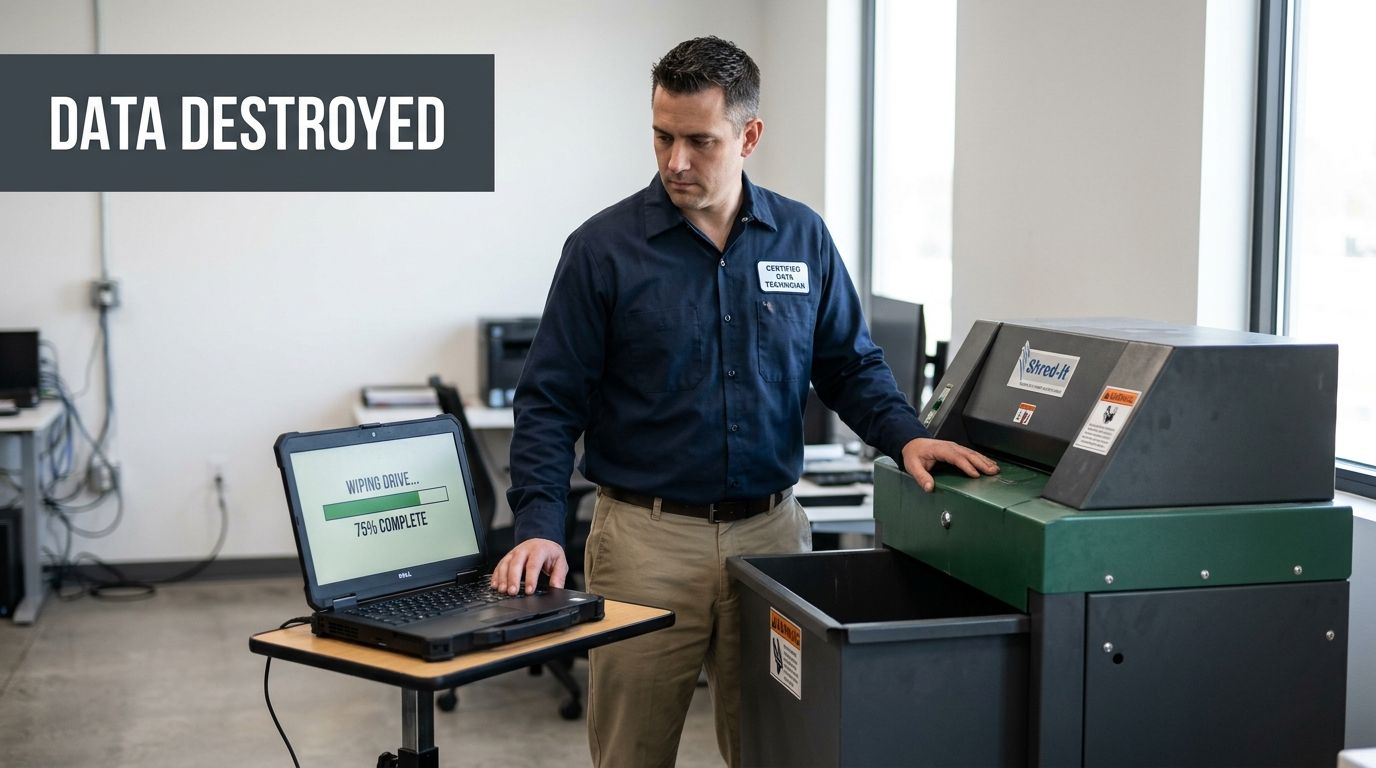
Understanding Software-Based Data Wiping
Software-based data wiping, often called sanitization, uses specialized programs to overwrite every sector of a hard drive with random ones and zeros. This process essentially buries the original data, making it practically impossible to recover. The most widely accepted protocol is the DoD 5220.22-M standard, which requires multiple overwriting passes.
The main benefit here is that the drive remains intact and functional. This makes it a great choice for newer or high-value computers you plan to refurbish for resale or redeployment, as it preserves the asset's value while ensuring robust data security. The one catch? The drive has to be fully operational for the software to run.
When to Choose Physical Destruction
Physical destruction is the most definitive solution. We're talking about industrial-grade shredders that grind hard drives, solid-state drives (SSDs), and backup tapes into tiny, mangled pieces of metal and plastic. There’s no chance of data recovery because there’s simply nothing left to recover data from.
This is the ultimate security measure and the standard choice for:
- Highly Regulated Industries: Organizations governed by HIPAA or financial regulations often mandate physical shredding to leave no room for doubt.
- Damaged or Non-Functional Drives: If a hard drive won't even power on, software wiping is off the table. Shredding is the only way to certify destruction.
- Maximum Risk Aversion: For any company where a data breach would be catastrophic, physical destruction provides absolute peace of mind.
To get into the technical specifics, you can learn more about Arlington secure data destruction and the compliance standards that drive these processes.
Think about an Arlington-based financial firm retiring dozens of laptops that held sensitive client investment data. For them, the decision is easy: physical shredding. The potential cost and reputational fallout from a data leak far outweigh any minimal resale value of the old hard drives.
The Certificate of Destruction: Your Proof of Diligence
Whether you choose software wiping or physical shredding, the process must end with one critical piece of paper: a Certificate of Data Destruction. This document is more than a receipt; it’s your formal, auditable proof that you met your legal and ethical obligations to protect sensitive data.
A proper certificate will detail:
- The unique serial numbers of the sanitized or destroyed hard drives.
- The exact method used (e.g., "DoD 5220.22-M 3-Pass Wipe" or "Physical Shredding").
- The date and location where the destruction took place.
- A statement of transfer of liability.
This document is the final link in your chain of custody. It proves that when you recycle computers in Arlington, Texas, you are doing so with security as your top priority and provides your ultimate defense in a compliance audit.
How to Schedule a Smooth Pickup in Arlington
Once your equipment is ready and you have a data destruction plan, the final step is coordinating the pickup. Scheduling a business computer pickup in Arlington isn't like calling a courier; clear communication is essential to make sure the process is smooth and doesn't disrupt your workday.
Think of it this way: your recycling partner's logistics team needs a clear brief. They need to know what they're picking up, where it is, and any potential obstacles. A little upfront detail prevents day-of surprises and ensures your team’s time isn't wasted, whether you're in a high-rise off I-30 or a standalone facility near the entertainment district.
Providing the Right Pickup Details
To get your pickup on the calendar, you'll need to give your recycling partner a quick rundown of the project. The more precise you are, the more accurate their quote and the smoother the actual pickup will be.
Be prepared to share:
- Equipment Volume: Are we talking about a single pallet of laptops or an entire room of servers and networking gear? Sending over a quick photo of the staged equipment is incredibly helpful.
- Arlington Location Details: The full address is just the starting point. Let them know important specifics like "use the rear loading dock," "visitor parking is limited," or "all vendors must check in with security at the front desk."
- Building Access: Mention any challenges. Are there stairs and no elevator? Do they need to reserve a freight elevator? Does the building have specific hours for commercial pickups?
This kind of information lets the logistics crew show up with the right people and equipment, allocate the right amount of time, and get the job done with minimal impact on your business.
Pro Tip: If you can, schedule your pickup during off-peak hours. An early morning or late afternoon collection can often avoid lobby traffic and make the entire process faster for everyone involved.
This level of coordination is becoming standard practice. Arlington's city government has set an ambitious 50,000-pound electronics recycling goal for FY26, backed by significant funding to improve local programs. This civic push makes it easier than ever for businesses to find professional recyclers who are prepared for transparent, high-standard operations.
A seamless pickup all comes down to clear planning. By providing these key details, you're empowering your recycling partner to execute the job flawlessly. For more specific guidance, we offer a detailed overview on arranging a computer recycling pickup in Arlington.
What's My Old IT Equipment Really Worth?
Sure, compliance and data security are non-negotiable when you recycle computers in Arlington, Texas. But smart IT asset disposition isn't just about managing risk—it's about recovering real financial value. Too many businesses see it as a pure cost center, but with the right approach, it can actually benefit your bottom line.
Your final bill from a recycling partner will be a mix of service fees and the value we can reclaim from your gear. On the cost side, you have logistics, labor, and the data destruction method you choose. Physical shredding, for example, requires more heavy machinery and resources than certified software wiping, so it comes at a higher price point.
The real game-changer, though, is the value hidden in your equipment. This is where working with a professional makes all the difference.
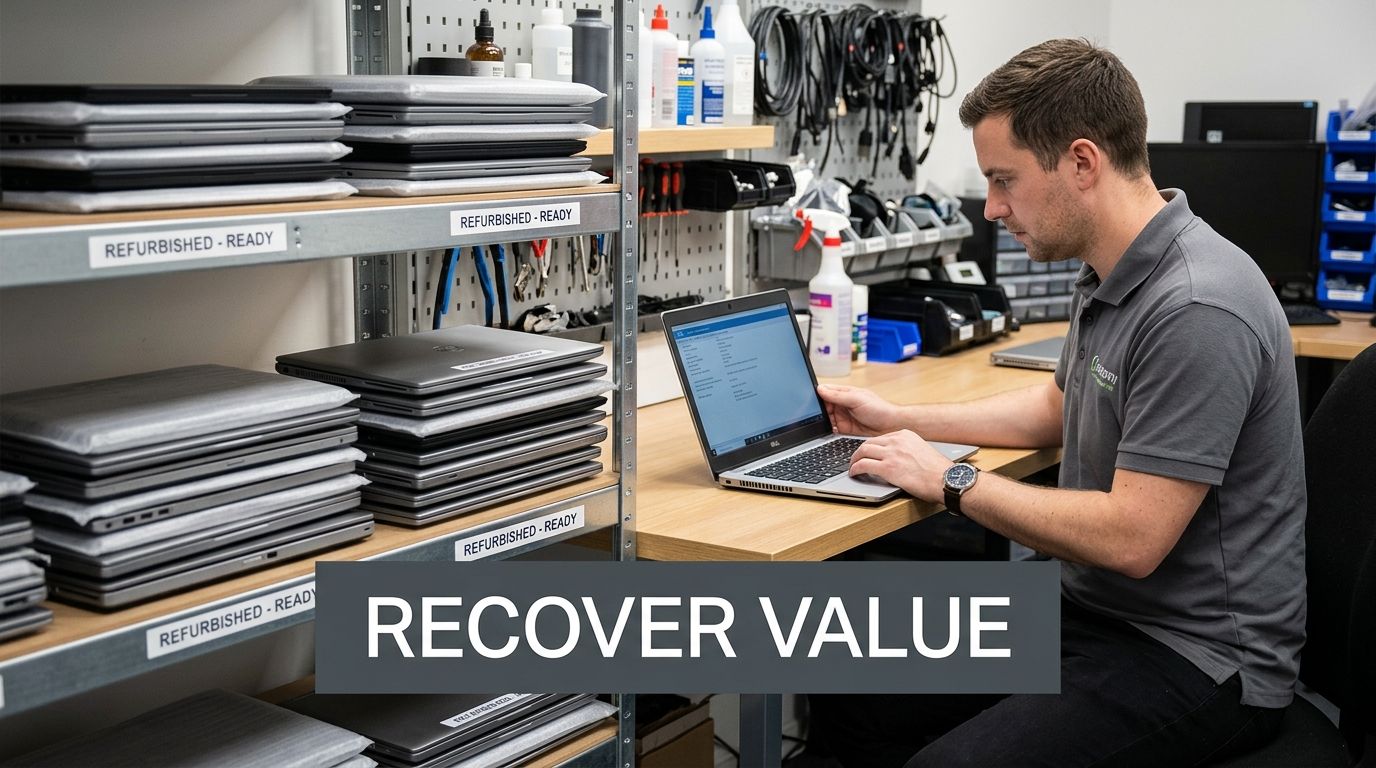
Turning Retired Assets into Revenue
Those newer, functional devices you’re replacing have plenty of life left in them. Instead of being scrapped for base materials, they can be professionally tested, cleaned, refurbished, and sold on the secondary market. We call this value recovery, and it generates a direct financial return for your company.
In many cases, the revenue from selling these devices can seriously offset—or even completely cover—the costs of recycling your older, non-functional equipment. The key is partnering with a specialist who has the network and expertise to move refurbished hardware effectively.
We consistently see strong demand for:
- Laptops and Desktops: Models that are 3-5 years old still hold significant value.
- Servers and Networking Gear: Enterprise equipment from brands like Cisco, Dell, and HP is always sought after.
- Specialized Electronics: Things like lab instruments or medical devices can have a surprising resale market.
The newer and more powerful your retired assets are, the better the return. For a deeper dive, our guide on where to sell used computer parts breaks down how to get the most from individual components.
We see this scenario play out all the time. A local firm needs to retire 100 laptops. Maybe 20 of them are too old for resale. But the other 80 generate enough revenue through remarketing to pay for the secure data destruction and recycling of the entire lot—often with money left over to go back to the client.
To help you get a clearer picture, here’s a look at the main variables that affect your costs and potential returns.
What Drives Your Recycling Cost and Value?
| Cost or Value Factor | How It's Measured | Impact on Your Bottom Line |
|---|---|---|
| Equipment Age & Condition | Model year, specifications (CPU, RAM, storage), and physical state. | Newer, functional assets generate revenue. Older, broken assets incur recycling costs. |
| Data Destruction Method | Per-drive cost for software wiping vs. physical shredding. | Shredding is typically more expensive but may be required for high-security needs. |
| Logistics | Volume of equipment, pickup location, and labor required for removal. | Palletized, ground-floor pickups are most cost-effective. Complex removals add labor costs. |
| Asset Mix | The ratio of high-value items (laptops, servers) to low-value items (printers, old monitors). | A higher concentration of valuable assets is more likely to result in a positive return. |
Ultimately, a detailed inventory is the only way to get a precise quote, but this table gives you a solid framework for what to expect.
Making a Difference in the Community
Value isn't just about dollars and cents. Your retired but still-working equipment can be an incredible asset for local nonprofits, schools, and community groups right here in Arlington.
Donating your older computers turns a disposal project into a powerful corporate social responsibility win. It helps bridge the digital divide for those in need and gives your hardware a second life serving the community. This approach is also perfectly in step with the growing emphasis on sustainability in our city.
You just have to look at the work being done at local facilities like Wallbox's Arlington plant, which has recycled over 1,000 tons of e-components and earned ISO 14001 certification. As the city moves toward its FY27 goals, the success of companies advancing sustainability in Arlington shows that smart, responsible business practices are good for everyone.
By thinking about your old IT gear in this way, you can build a plan that not only protects your data and budget but also strengthens your ties to the Arlington community.
Answering Your Top Computer Recycling Questions
If you’re managing IT for a business in Arlington, you know that getting rid of old equipment isn't as simple as just tossing it out. We get a lot of questions from IT managers and business owners about how the process works. Here are the answers to the questions we hear the most.
What Kind of Business Equipment Do You Recycle?
We handle the full spectrum of commercial IT assets. This includes everything from the desktops, laptops, and servers in your office to the network gear—switches, routers, and firewalls—that keeps you connected. We also process specialized electronics from medical, lab, and industrial environments.
Our services are built specifically for businesses, so we don't take consumer electronics like TVs, kitchen appliances, or personal gadgets. The best way to start is by sending over a quick inventory list. That lets us confirm we can take everything and plan the logistics for a smooth pickup.
How Can I Prove My Company's Data Was Destroyed?
Data security is the core of our service—it’s non-negotiable. We offer certified data destruction that adheres to strict standards like NIST 800-88. You have options: we can perform secure multi-pass software wiping or physically shred the hard drives and other media into tiny, irrecoverable fragments.
Once the destruction is finished, we issue an official Certificate of Data Destruction. This document is your auditable proof, listing the serial numbers of the sanitized media and the exact destruction method used. It’s the formal documentation you need to satisfy any internal or external compliance audit.
This certificate provides the legal and procedural peace of mind that your company's duty to protect sensitive data has been fulfilled.
Is There a Minimum Amount of Equipment for a Pickup?
Because we're geared for business-scale projects, our logistics are most efficient when we're picking up a pallet's worth of equipment or more. Honestly, sending a truck for just one or two PCs isn't cost-effective for you or for us.
That said, if you have a smaller batch of equipment, please give us a call. We can often coordinate your collection with another pickup in the Arlington area. This helps us bundle jobs together, making it practical to serve businesses with fewer items while still providing a secure, professional service.
What Happens to the Computers After You Take Them?
Our process always prioritizes reuse first. Any equipment that is still functional and relatively modern gets refurbished for a second life. This is the most environmentally sound option, and it can often generate a financial return for your company, which helps offset the costs of recycling.
For older or non-working electronics, our certified facility takes over. The devices are carefully de-manufactured and broken down into their base materials—metals, plastics, circuit boards. These clean commodities are then sent to our network of vetted downstream partners for recycling. This guarantees that nothing ends up in a landfill and all hazardous materials are handled correctly.
Ready to manage your retired IT assets with a secure, compliant, and responsible partner? The team at Dallas Fortworth Computer Recycling offers nationwide service with a local touch. Learn more about our ITAD solutions and schedule your pickup today at https://dallasfortworthcomputerrecycling.com.